ABC Pocket Phonics Review

ABC Pocket Phonics: Hits and Misses in Literacy Instruction

Have you ever wondered how literacy apps stand up when evaluated by experts? Explore the reviews at phonics.org to make more informed choices for the beginning reader in your life. 

This review takes a detailed look at the ABC Pocket Phonics app and evaluates how effective the literacy program is. 

What is ABC Pocket Phonics?

ABC Pocket Phonics was originally launched in 2008 by “Apps in My Pocket Ltd.” It’s an educational app tailored for children aged 4 to 7. Through the app, children learn letter sounds and letter formation as well as read storybooks. The app offers a teaching reading guide for parents. It also has special features for teachers to create multiple student accounts and receive detailed progress reports for each individual.

Usability of the Pocket Phonics App

The following features contribute to the app’s overall usability for kids and adults. 

Accessibility and Individual Player Settings 

Pocket Phonics offers easy and straightforward signup and login processes, ensuring accessibility for users. You can customize individual player settings to cater to each child or student’s preferences, including options for:

  • Sound effects
  • Font type
  • Right or left-handedness
  • Inclusion of letter names 
  • Speech recognition 

These customizable features enhance user experience and accommodate diverse learning needs. 

Some areas of the user experience could use improvement. Placing students at a specific place in the sequence of lessons doesn’t appear to be an option. There is a skills assessment placement test to help learners find a good starting point, but it could easily be missed in the sign-up process. 

There also isn’t an option for student sign-in at home, limiting its accessibility for connecting between school and home settings. Incorporating this feature would expand the app’s usability and convenience for students and parents alike.

Student Progress

The Pocket Phonics app tracks student skills and progress in the teacher account on the Apps In My Pocket website. Adults can see specific data on how well their student/child is performing and where they may need additional instruction and practice. This data tracking system provides helpful information and is relatively easy to navigate. 

Instructions

The app repeats instructions every few seconds, which can be demanding and causes unnecessary interruptions. Instead, there should be an option for users to request repetition when needed. This would allow for quiet thinking time when necessary and repetition as the player is ready for it. 

Furthermore, sometimes instructions are provided in written form but are not shared audibly. For instance, instructions on shaking the iPad to erase answers should be accompanied by spoken prompts to ensure new readers know the user settings in the games. Incorporating verbal instructions alongside written ones would enhance clarity and usability for all users.

Pocket Phonics User Engagement

These factors influence the engagement of new readers playing the Pocket Phonics app. 

Instructor Voice

The Pocket Phonics app uses a monotone robotic voice for instructions. This voice may not engage young learners well. Additionally, the audio quality varies, with some recordings sounding unclear or as if they were recorded in a tunnel. This inconsistent quality can detract from the overall learning experience for children using the app.

Rewards

Players receive words of encouragement and are rewarded with coins in the app. Upon completing activities, kids receive a score out of 3 stars based on their performance, providing positive reinforcement and valuable feedback. These rewards serve to motivate users without detracting from their overall gaming experience.
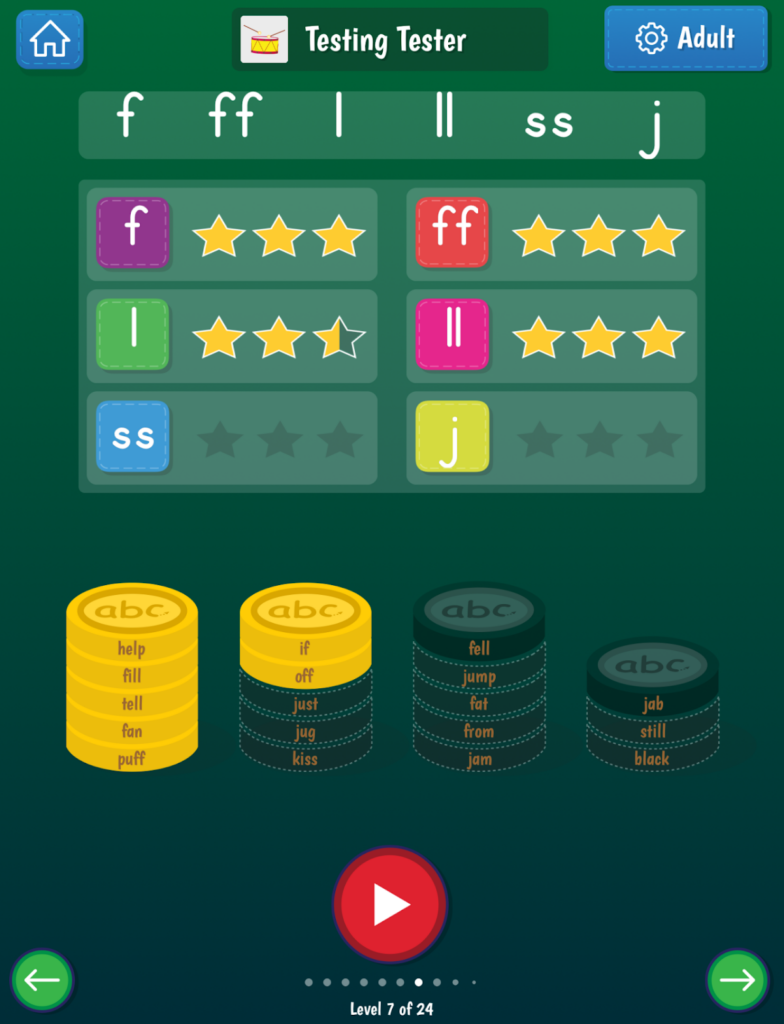
Visuals

The visuals in the app appear somewhat outdated and lack animation, which can pose challenges when illustrating more complex word meanings. While simple nouns can be adequately represented, more difficult words like “it” become complicated and potentially misleading due to the simplicity of the graphics. Updating the animations could more effectively demonstrate verbs and improve player engagement. 
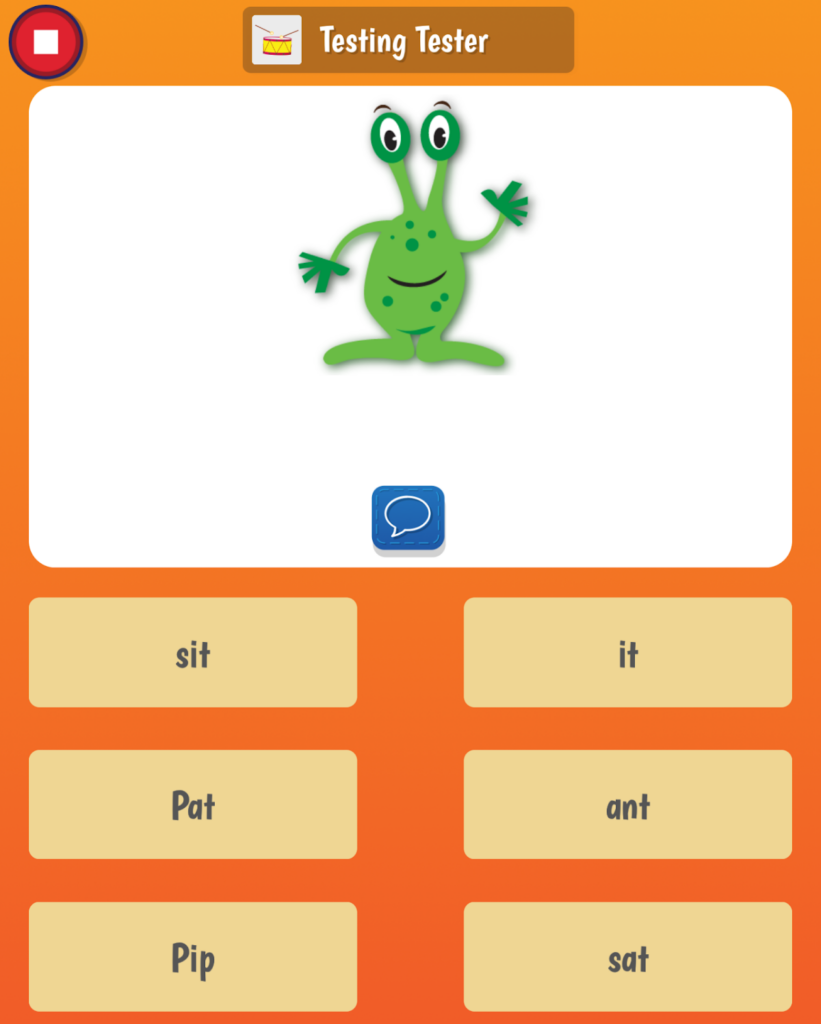
The word associated with this visual is ‘it’

Learning to Read With Pocket Phonics

These factors contribute to the overall quality of literacy instruction in Pocket Phonics. 

Letter Learning

Pocket Phonics provides accurate and clear instruction on letter sounds. Users can choose between US or UK accents. The app emphasizes letter sounds and letter formation (printing) practice through repetition. 

Pocket Phonics offers clear and simple instructions on letter formation and gives practical feedback to learners. The app could improve on letter formation practice by including a verbal path for letter formation. These are consistent verbal directions that can be given as children learn and practice new letter formations. 
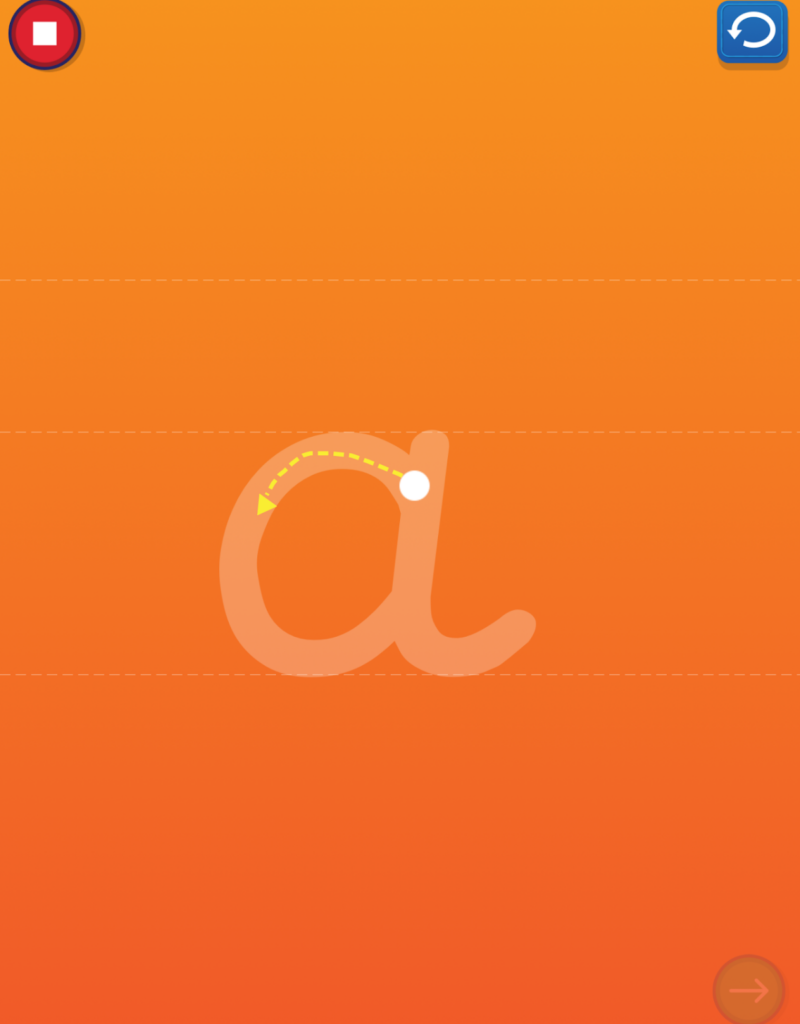
Pocket Phonics teaches letter formation clearly and accurately

Letter Names

One notable drawback is the app’s stance against teaching letter names alongside letter sounds. The free literacy learning guide from Pocket Phonics states, “If a system teaches letter names and letter sounds together, this can often be a sign that it doesn’t follow other principles of synthetic phonics.” This is inaccurate information. There is debate among reading educators about whether to teach letter names or letter sounds first. Research suggests that teaching letter names alongside letter sounds is valuable — children’s knowledge of both is important!

That said, you can adjust the app’s settings to include letter names. Including letter names also makes the app’s instructions grammatically correct. It’s confusing and grammatically incorrect when the app says “/s/ say /s/” only using the letter sounds. 
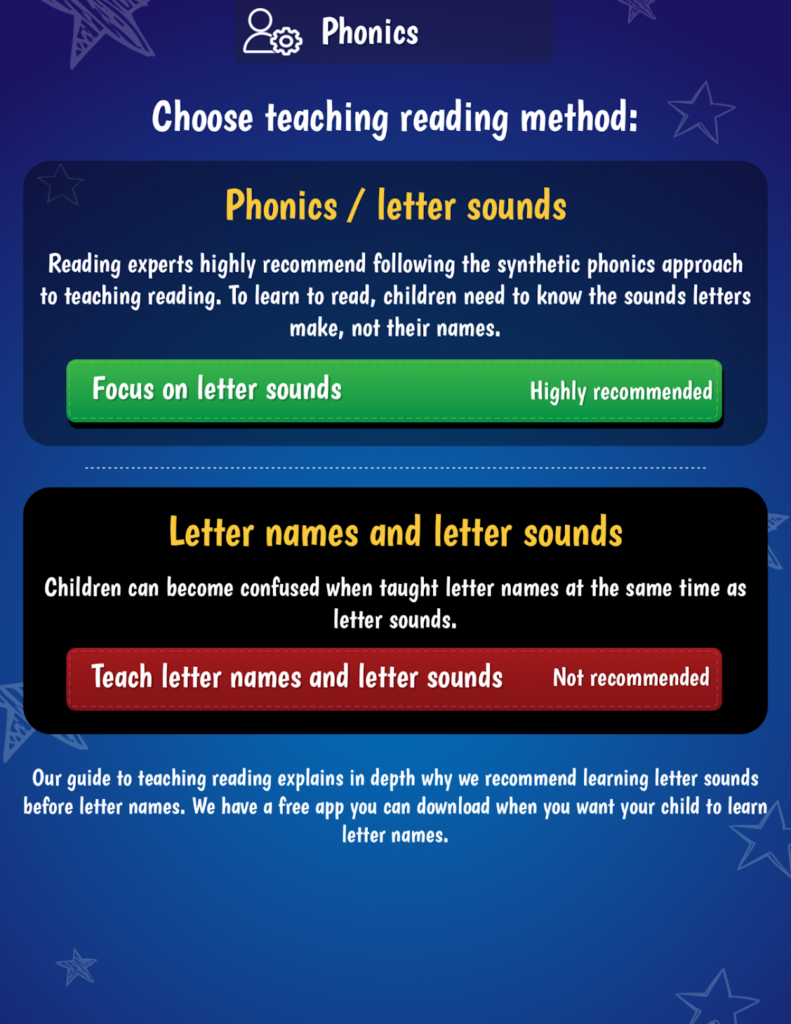
Pocket Phonics discourages letter name learning at the same time as letter sound learning

Type of Phonics Instruction 

The Pocket Phonics app uses individual letter sounds to teach children to read and spell words. This type of phonics, “synthetic phonics,” refers to the synthesis of combining individual speech sounds. Some research points to synthetic phonics as the most efficient and effective method of teaching children to read words. 

Furthermore, phonics skills are taught sequentially and systematically. This means that children are first taught the simplest phonics skills and patterns and these skills slowly increase in difficulty with practice. Using synthetic phonics sequentially and systematically is an asset to the literacy instruction in the Pocket Phonics app. 

Phonemic Awareness

Phonemic awareness refers to the manipulation of speech sounds in language. Pocket Phonics models blending and segmenting to help kids read and spell words. This is an effective literacy practice. While new learners observe these skills in practice, they’re not often asked to actively practice these skills themselves. 

Phoneme blending is a skill that’s necessary when learning to read. Pocket Phonics does a great job of modeling final blending in its gameplay. It would be helpful if Pocket Phonics also included modeling of continuous blending, which is the easiest method of blending to use when learning to read words. 
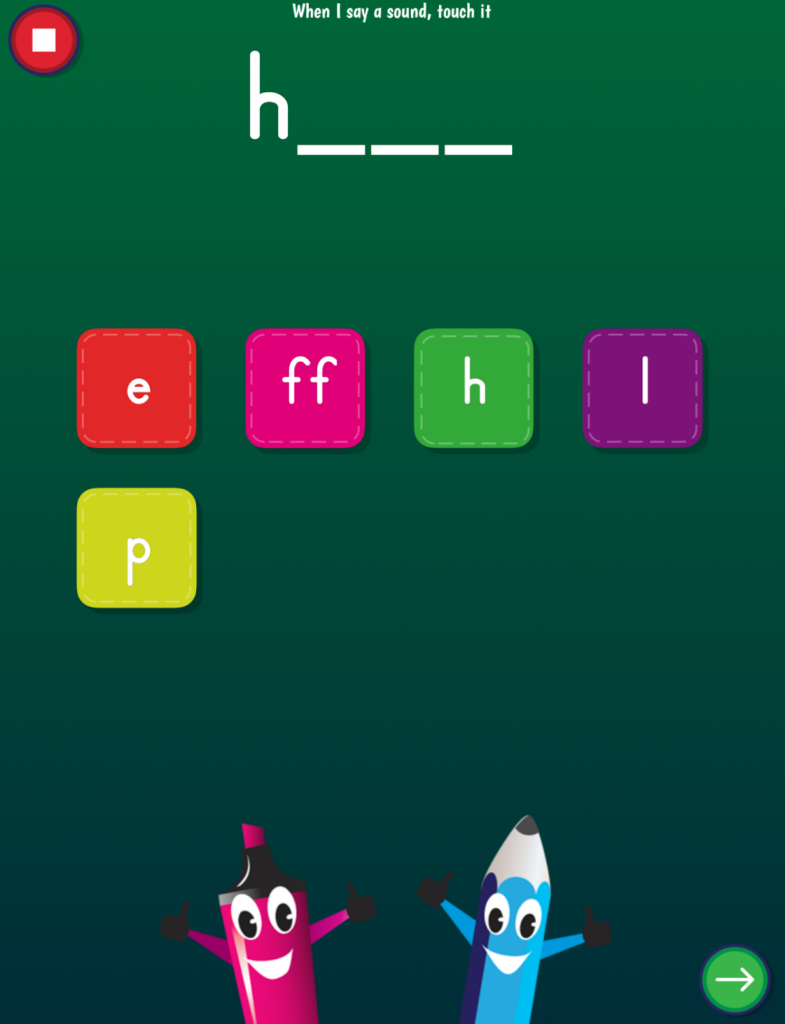
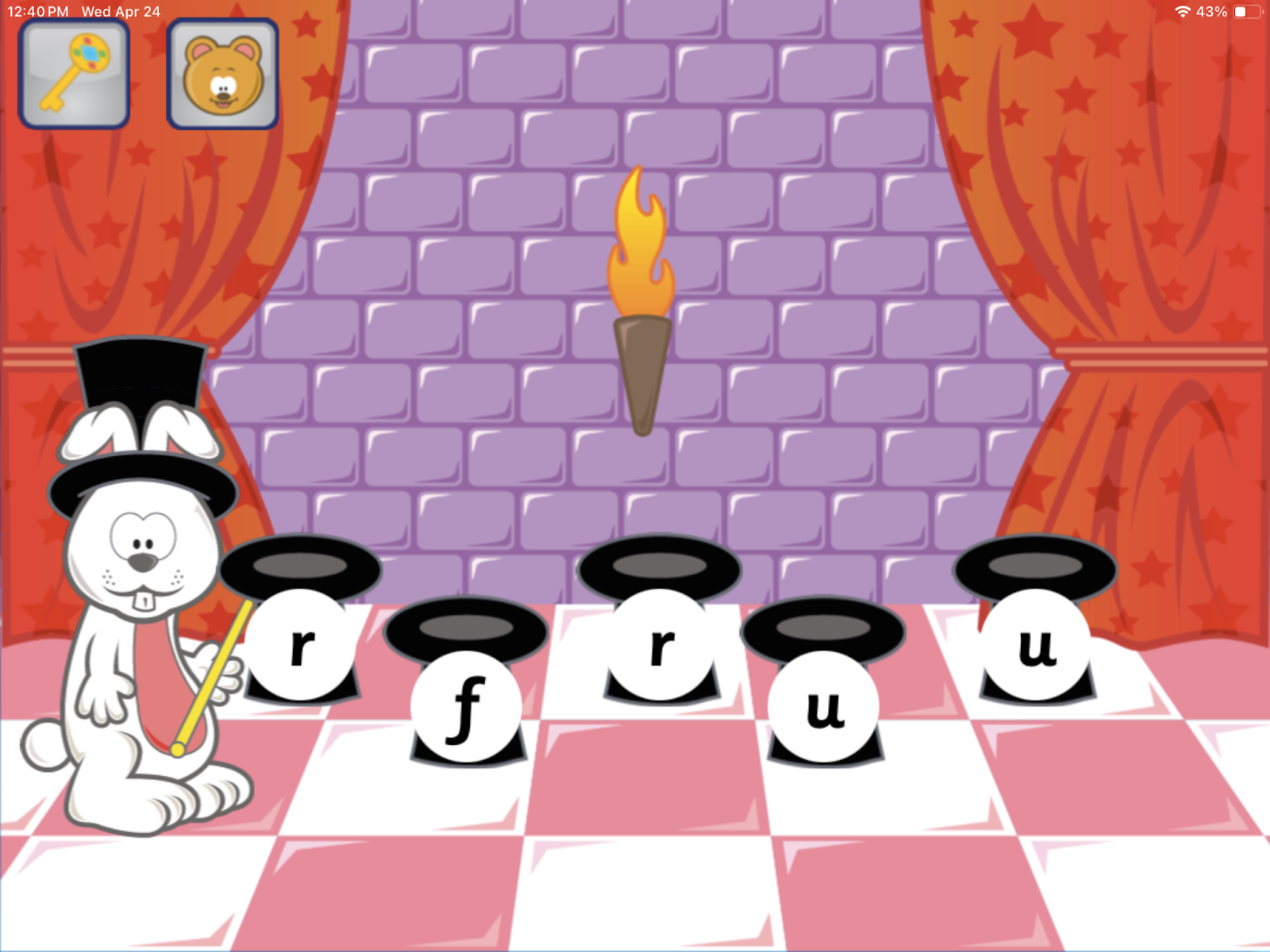
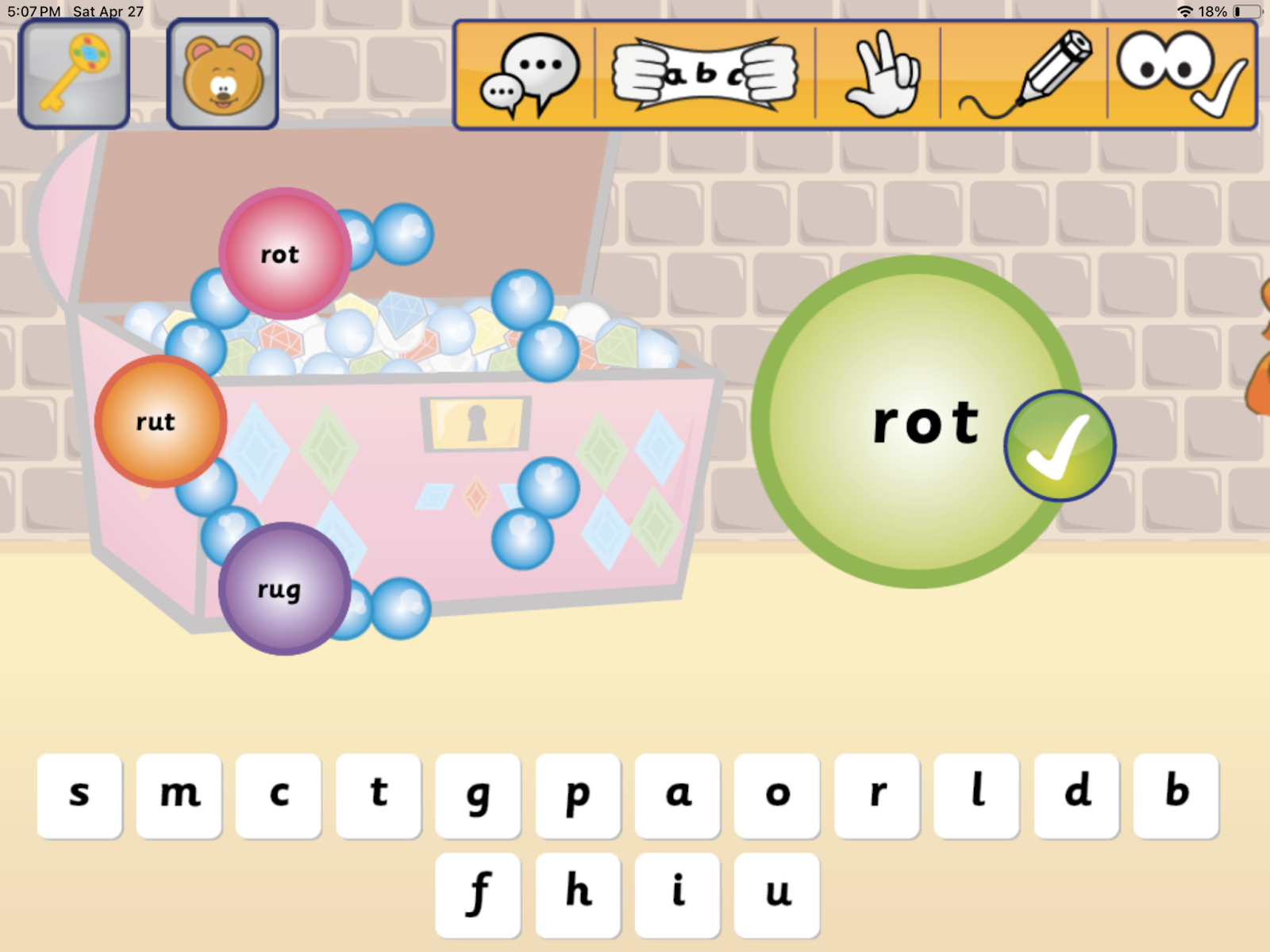
The Pocket Phonics method of teaching word building (reading and spelling)

Type of Texts

There are 43 decodable books in the Pocket Phonics app. Decodable books include words that children have been explicitly taught how to sound out and read. These types of texts discourage word guessing and promote decoding skills which are recommended for new readers. 

When reading these texts, there are three options to choose from:

  1. Read to Self: A child attempts to read the words and sentences themselves. If a child is stuck on a word they can tap the word and a model of how to sound out the word is shared. 
  2. Read Aloud: A child can choose to have the story read out loud to them. Unfortunately, the story is read to the child in a dysfluent and robotic voice. This is not recommended as it sidesteps the important practice children need in sentence-level reading. It doesn’t model fluent reading. 
  3. Voice Detection: In this option, the app tracks the words the child reads out loud. Unfortunately, this option is not very accurate and adult supervision is recommended to ensure children are reading accurately. 

Difficult words in these texts are presented in red. However, these texts include words that readers haven’t been explicitly taught yet. Tapping on these words reveals what the word is, however, an explanation of how the word is irregular is not included. Furthermore, some of the books have many difficult words which defeats the purpose of having decodable texts in the first place. 

Finally, comprehension of texts is not included in the decodable books. Adding comprehension questions to the books would be valuable for getting kids to think about the story.
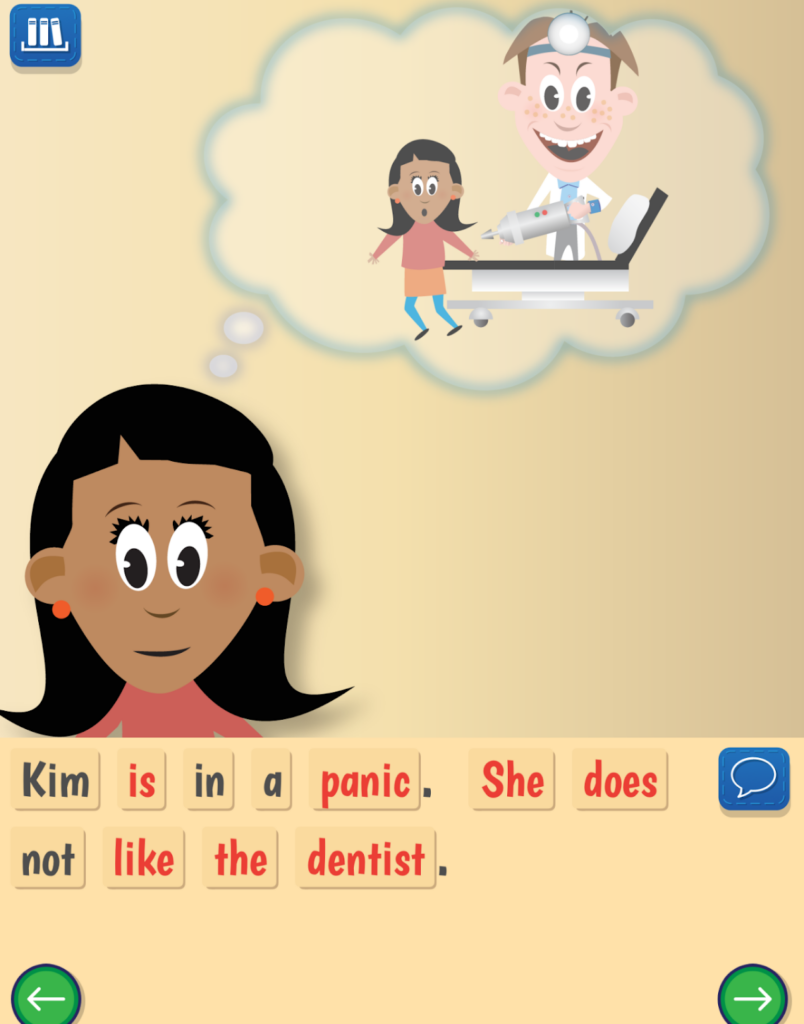
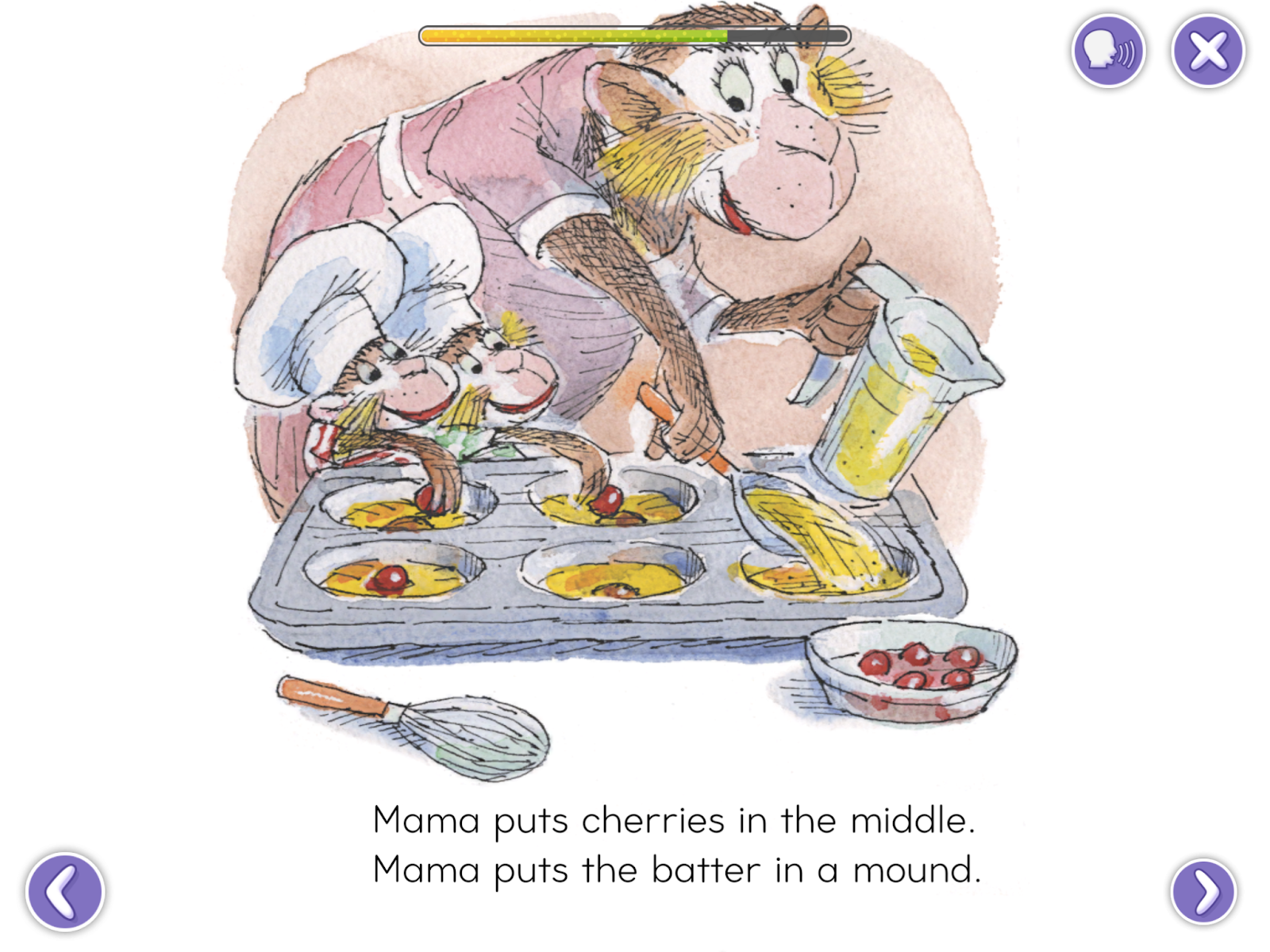
Many words in this decodable text are difficult for a new reader

Pros and Cons of the ABC Pocket Phonics App

It’s generally easy to sign up and navigate the Pocket Phonics app. Many customizable settings within the app allow it to be more approachable to new readers. Student progress is shared with involved adults who can pinpoint areas in which their new reader needs extra support. Connecting usability between school and home—plus easier app access to the players’ starting point—could improve the app. 

The Pocket Phonics app does many things well when it comes to literacy instruction. It uses the evidence-based synthetic approach to word reading and spelling. It also models phonemic awareness skills such as blending sounds to read words and segmenting words for spelling. The letter sounds are accurate and represented, as are the letter formation (printing) activities. 

ABC Pocket Phonics could improve the quality of literacy instruction by encouraging letter name learning, modeling continuous blending of phonemes, and increasing the decodability and fluency in their storybooks. 

Interested in learning about other literacy apps? Explore other phonics program reviews on the phonics.org website today. 

ABC Pocket Phonics Rating

Quality of Literacy Instruction: 3  / 5

Usability: 3.5 / 5

Engagement:  3 / 5

SplashLearn App Review for Reading Education

A Well-Made App With Unfortunate Phonics Errors

At Phonics.org, we review all kinds of educational literacy apps so that you can choose the one that sounds right for your students. In this article, we share our SplashLearn app review based on quality of instruction, usability, and engagement. 

Continue reading to learn more about what SplashLearn has to offer for literacy learning!

What is SplashLearn?

SplashLearn is an educational app and website designed for children ages 2 to 11, covering the Pre-K through Grade 5 common core curriculum. It offers a game-based, curriculum-aligned learning experience for Math and Reading. With over 8,000 games, activities, and printable worksheets, it provides a deep resource for both parents and teachers. The online reading curriculum is only available to teachers in the United States, but the parent curriculum is more widely available. 

This review focuses on the literacy learning activities available through the SplashLearn app. 

Is the SplashLearn App Easy to Use?

The following section focuses on the usability of the SplashLearn app. 

App Sign-Up

Signing up for SplashLearn is relatively straightforward, with access available through a paid subscription or a 7-day free trial. The app allows for personalized learning tailored to each child’s abilities and needs, with easy-to-follow setup questions for parents and educators.

Navigation

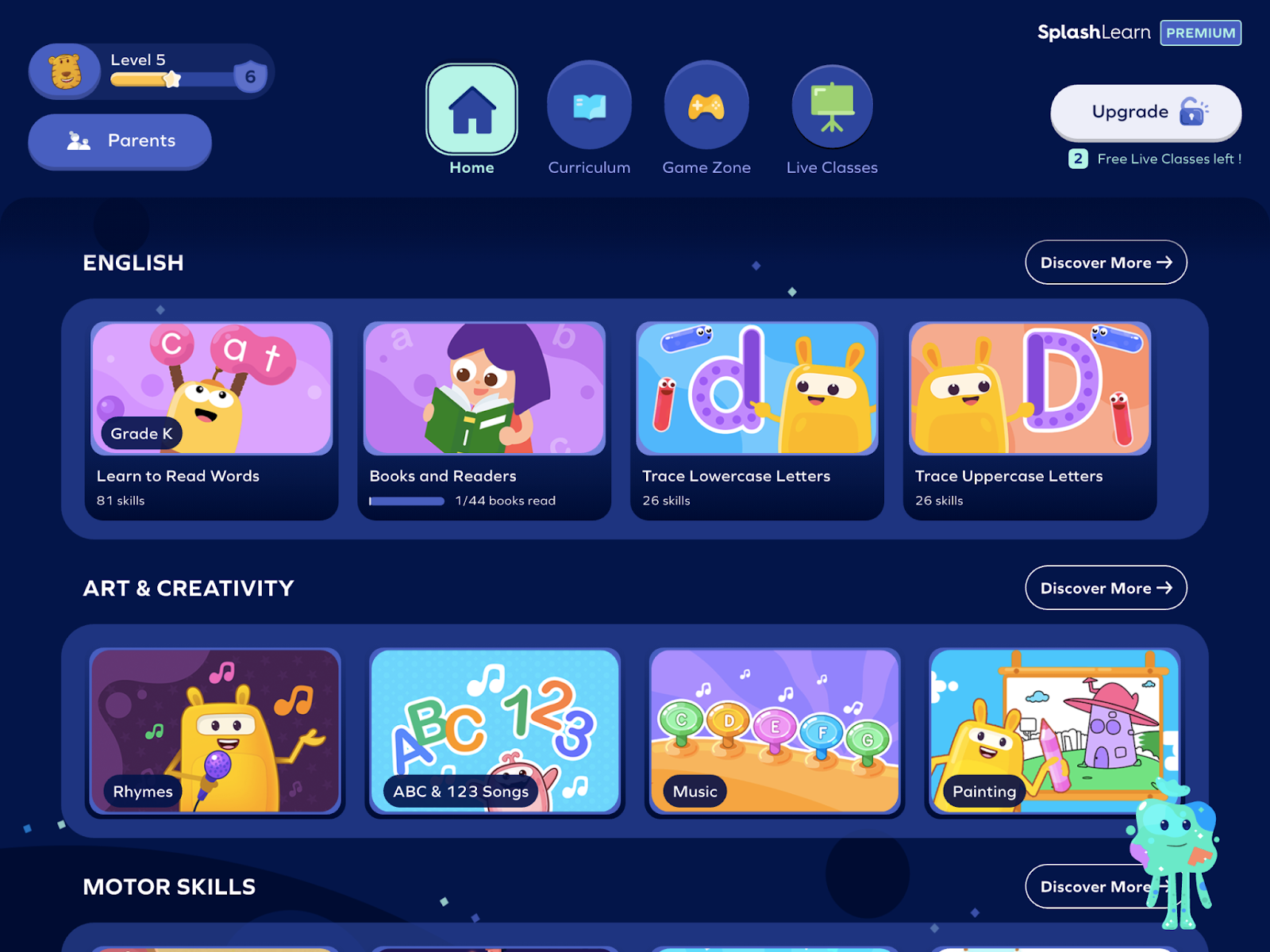
Navigating SplashLearn can be overwhelming due to the vast number of educational options available. First, users can access main pages:

  • Home
  • Curriculum
  • Game Zone 
  • Live Classes (gamified lessons taught by educators)

If you have personalized the learning path for your child or student, the simplest approach is to use the “Learning Path” on the home page to focus on the next recommended lesson for Math or English. 

Some people may prefer the flexible option of choosing the next game that would interest their young child or student. In this scenario it is advisable to stay with your young child and support with the navigation, as it can become quite complex. 

Many navigation options are available in the SplashLearn app

Settings

There are a few customizable sound settings available in the SplashLearn app. It is advisable to turn off the music, as it can be distracting and complicate the learning of letter sounds and reading. 

Some games benefit from having the sound entirely off due to additional beeps and dings that interfere with letter sound clarity. This complicates learning for kids with attention or auditory processing issues, but even fully literate adults may have difficulty with some of the sounds interfering with activities.

Fortunately, all instructions can be repeated on demand in the games, which is a great option for all learners. 

Engagement in SplashLearn

The following factors influence how engaged kids may be when playing SplashLearn.

Gameplay

The gameplay on SplashLearn features creative and engaging activities that are developmentally appropriate, making it accessible even for younger children who can easily understand how to play.  The app also has a visually appealing design that is well-crafted to engage young learners. However, there can be occasional long wait times between games, which may cause some kids to lose interest.

Rewards

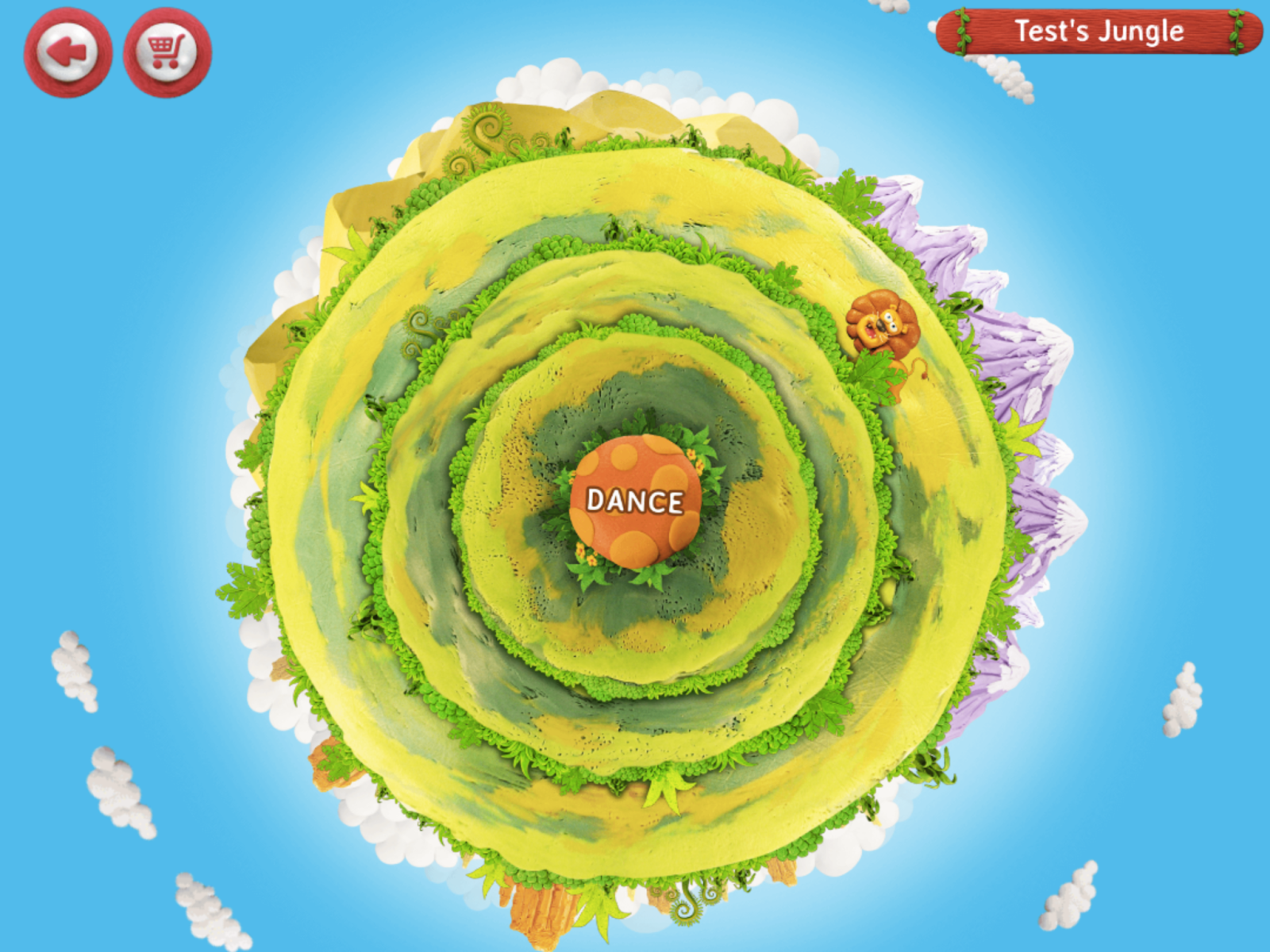
SplashLearn uses a three-star system for rewarding game and activity completion. Players can advance through levels and collect coins to purchase “Super Splashies” or animals in the jungle or aquarium-themed reward games. These additional games are simple and unlikely to distract from the learning goals in the app.  

Kids can use reward coins to purchase animals for this dance party

Literacy Learning With SplashLearn

The following factors influence the quality of literacy learning within the SplashLearn app.  

Sequential Learning

Literacy experts recommend teaching children with a phonics plan—or scope and sequence—that outlines which skills are taught in order. Unfortunately, SplashLearn doesn’t appear to have a publicly available scope and sequence, although it does share the curriculum topics. 

It’s unclear if this curriculum outline is linear. It says letters are taught and practiced alphabetically, which isn’t what happens in the word reading part of the game. The games generally progress from easier to more complex concepts. However, having a clearer, publicly available phonics plan would enhance understanding and support for both educators and parents.

Letter Formation

SplashLearn employs a creative and engaging method for teaching letter formation, making the process interesting and accessible. However, there are some inaccuracies in these games particularly with lowercase ‘b’ and ‘d’. It is crucial to get these formations right due to their common reversals. This oversight is unfortunate, as accurate letter formation is important for preventing these reversals.

Unfortunately, this is not the standard way of printing the letter <d>

“Learn to Read Words”

An important learning area in SplashLearn is called “Learn to Read Words”. In the beginning stages of this section, the app models how to blend individual sounds together to read words. The games start with two sounds and gradually introduce more sounds. This is an excellent practice for new readers and builds competence in learning how to sound out words. 

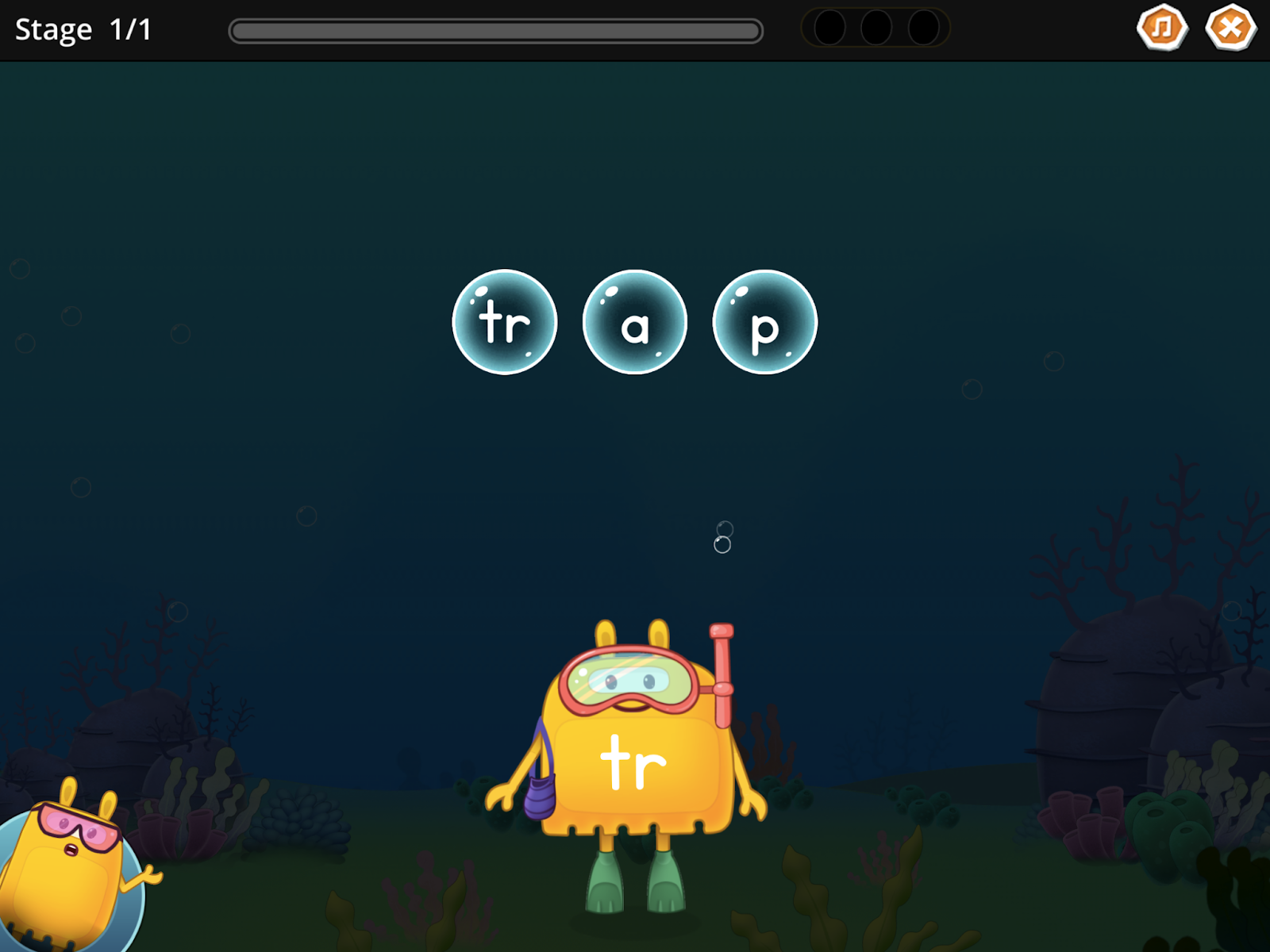
Unfortunately, as the learning in this area progresses, there are increasing errors. For example, the game asks learners to “find the beginning sound” in the word ‘fluff’, and the expected answer is ‘fl-’. This is a consonant blend that actually has two sounds. The provided isolated sound for this consonant blend is also inaccurate. Unfortunately, this seems to be the pattern for most consonant blends in the game. 

The <t> and <r> should have their own bubble to represent each sound in ‘trap’

Spelling

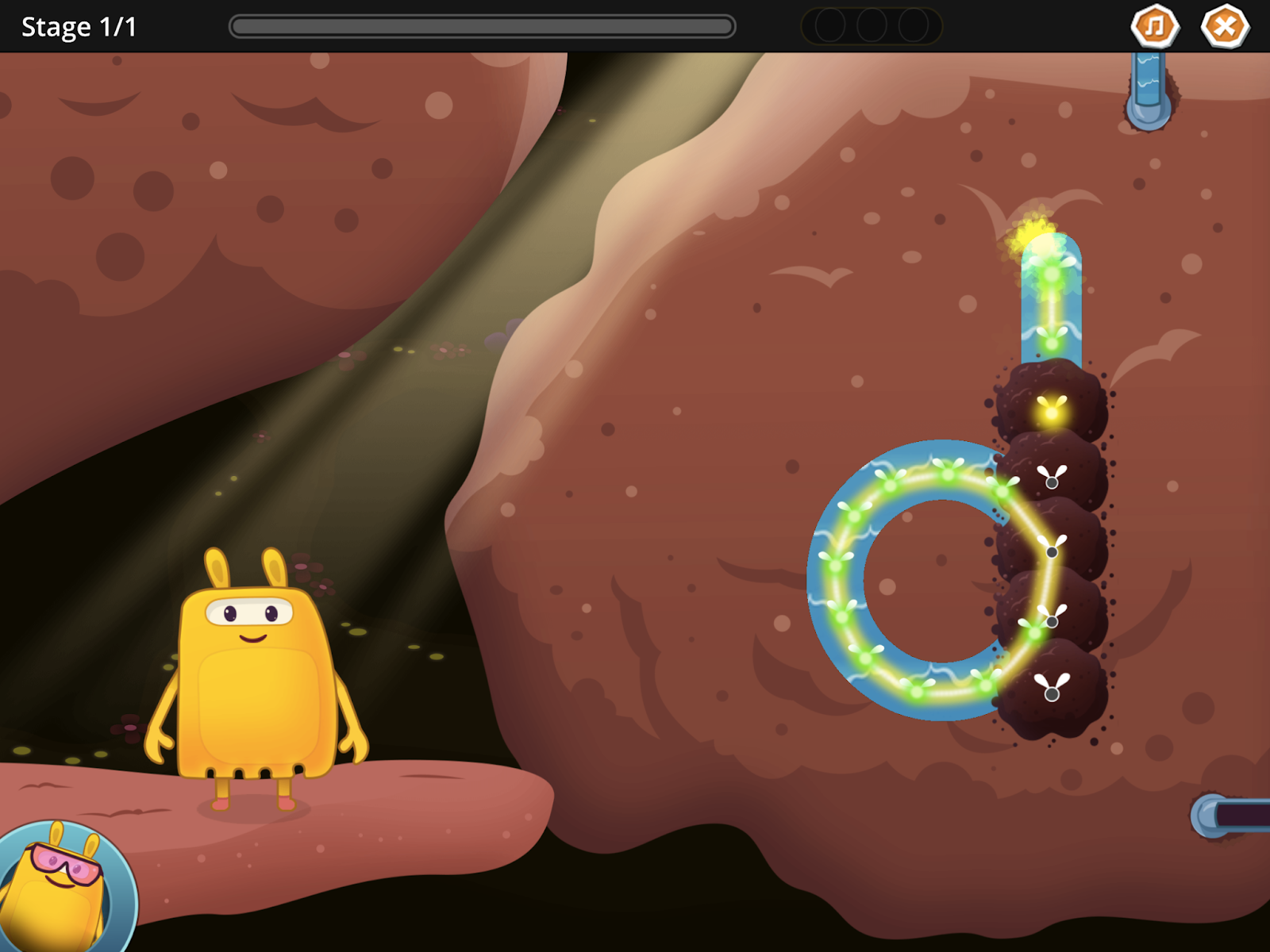
SplashLearn offers a creative and engaging method for teaching spelling, using a gamified approach where characters capture magic ‘spells’ by correctly spelling words. The app uses synthetic phonics by focusing on individual letters and sounds to build words. 

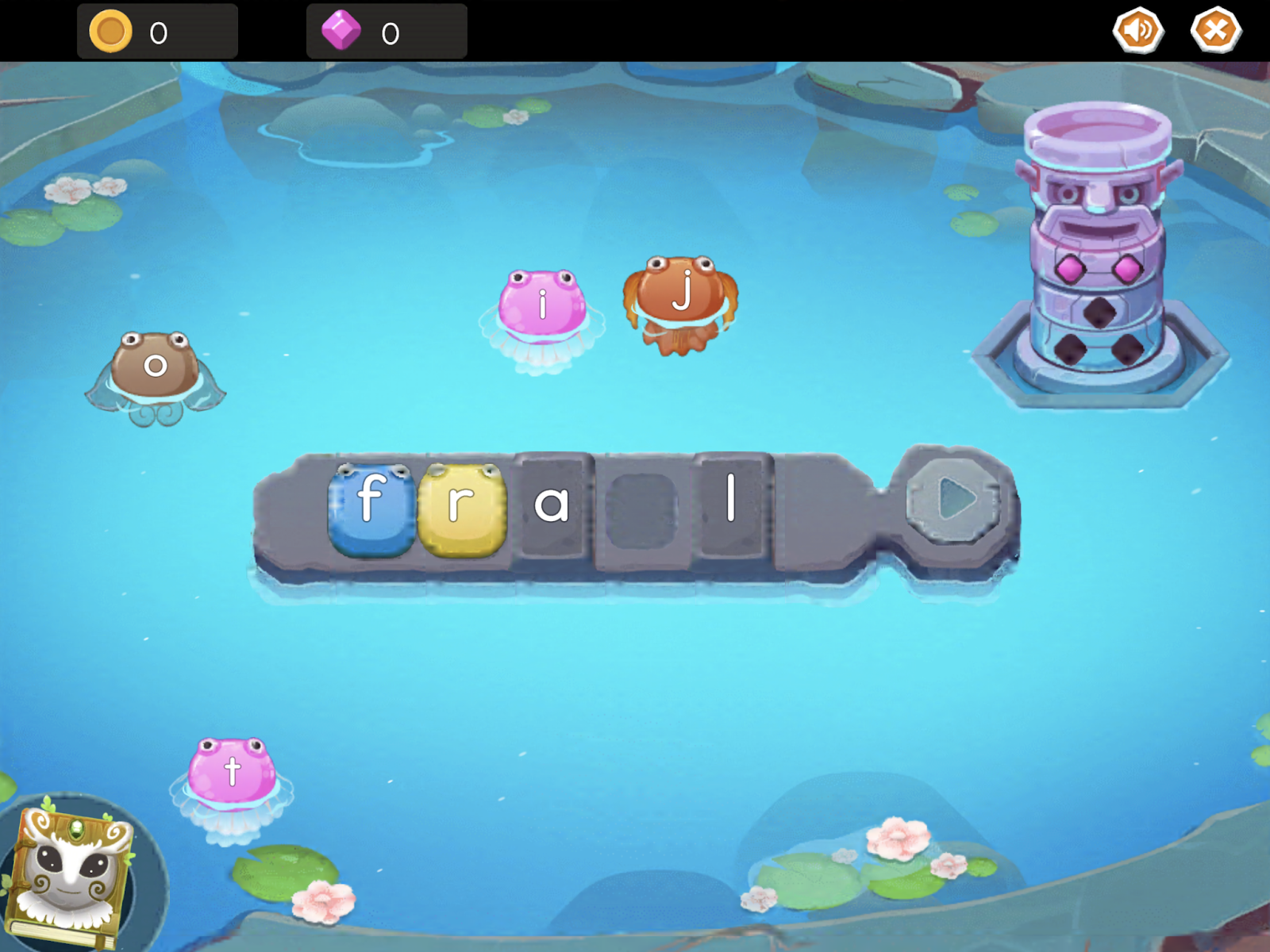
However, SplashLearn struggles with more advanced phonics concepts like vowel teams. For instance, in building the word ‘frail,’ the app gives the letter <a> the short /a/ sound as in apple, instead of combining <a> and <i> to make the long ‘a’ sound in that word. Additionally, it would be beneficial to provide the meaning of words after they are built.

The letters <a> and <i> should be teamed up to spell ‘frail’  in this aspect of the game

Books

SplashLearn has a digital library with a wide variety of books to choose from. Books are organized by the following categories:

  • Read Alouds (listen to a book)
  • Leveled Books (books with random phonics patterns)
  • Decodable Books (books with learned phonics patterns)
  • Fun with Oddbods (quirky animated characters)

Because leveled books do not use specific phonics patterns, the words can be impossible for early readers to sound out. Therefore, a new reader will have to resort to using ineffective strategies like guessing based on the picture in the book to figure out a word. 

Leveled books have words that are tricky to sound out for new readers

The decodable books are a much better option for new readers as they contain sounds and words that new readers have already practiced. SplashLearn has a slider bar and recorder to encourage new readers to sound out words in continuous texts. However, the slider bar and recording combination are tricky to use in the app and will likely frustrate children who are trying to learn to read. 

Should My Child Use SplashLearn to Learn to Read?

The SplashLearn app is generally well put together. The process of getting started with the app is straightforward, and following the learning path provided in the app is simple and logical. Furthermore, the animations and games in the app are visually appealing and interesting for kids to interact with. 

SplashLearn also has many literacy games and activities that would likely help a child learn to read. They teach letter names, sounds, and formation as well as important skills in blending sounds to read words. 

However, SplashLearn also has many mistakes in the phonics instruction which are not ideal. The SplashLearn app doesn’t have a publicly available phonics scope and sequence. Also, the letter formation for tricky and important letters is inaccurate, as are some of the letter-sound correspondences in the reading and spelling games. Finally, the slider bar and audio recordings in the decodable books can be difficult to use. 

Some aspects of the SplashLearn app could be helpful for new readers, but grown-ups should pay close attention and try to help their children avoid learning some skills inaccurately. 

If you’re curious about other literacy apps that may be more effective for your child, check out the additional reviews on phonics.org

SplashLearn: Overall Ratings

Quality of Literacy Instruction: 2.5 / 5

Usability:  3 / 5

Engagement:  3 / 5
Wonster Words App Review

Worn-Out Word Instruction That’s Not Worthwhile

Wonster Words is an educational app designed for children ages 2 and up. Cute, animated monster characters in the app guide children through various games designed to build literacy skills. The app focuses on teaching pre-reading and early literacy skills including:

  • Letter identification
  • Letter names
  • Letter sounds 
  • Building vocabulary skills

Continue reading to see what a reading specialist shares about the quality of this app for literacy instruction

Is Wonster Words Easy to Use?

There are pros and cons to the overall usability of this app for kids. The following factors contribute to the ease of use as well as the user experience of the Wonster Words app. 

App Navigation

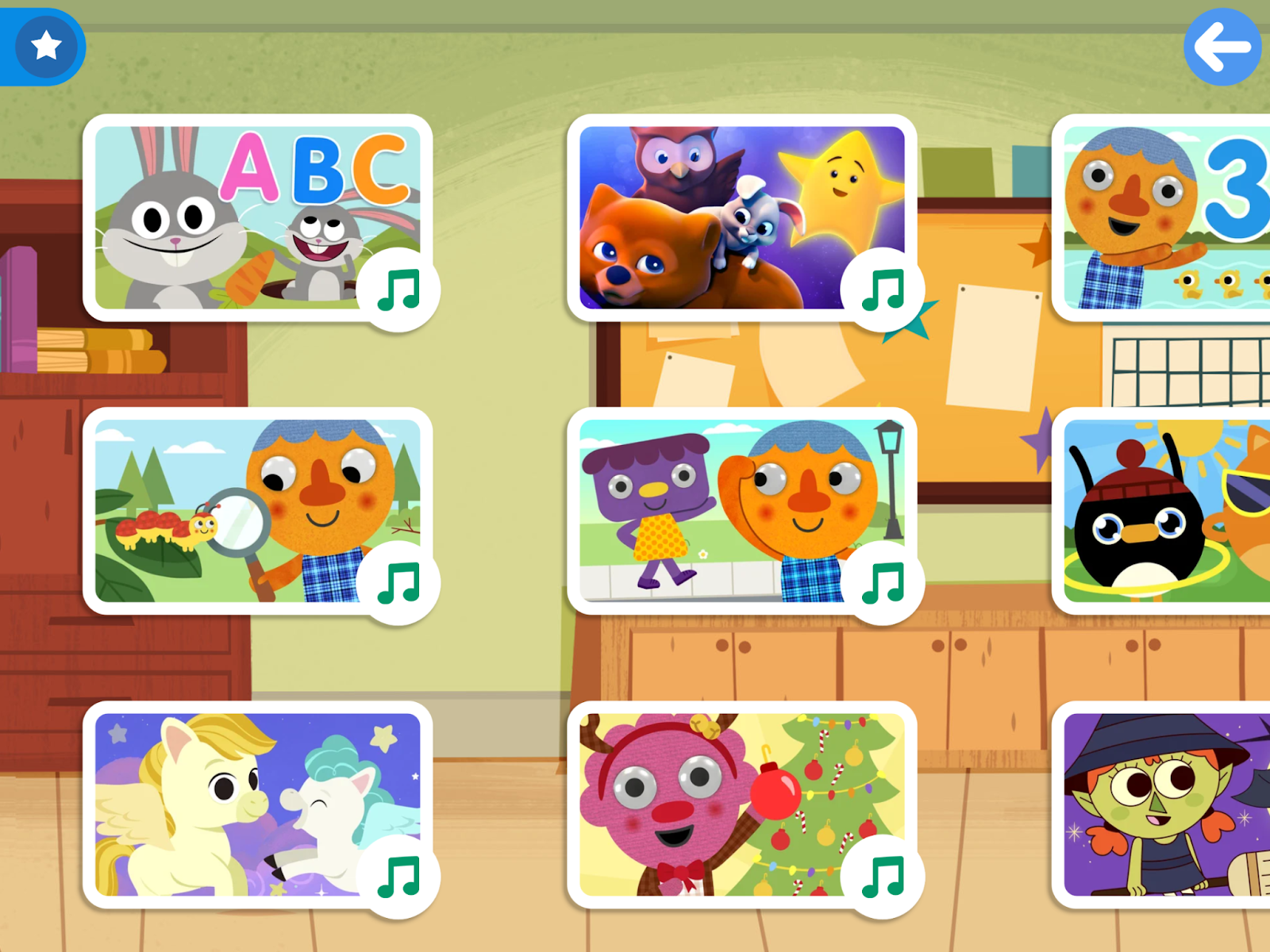
The sign-up process for Wonster Words is straightforward and user-friendly. The app offers a 7-day free trial followed by a subscription fee. The app allows for the easy addition of multiple players under the same email account, which is convenient for educators or families with more than one learner. The main menu of the app is categorized by game type and is well-organized which makes it easy to navigate the app. A player can easily exit any game at any time by tapping the back button at the top left of any screen. 

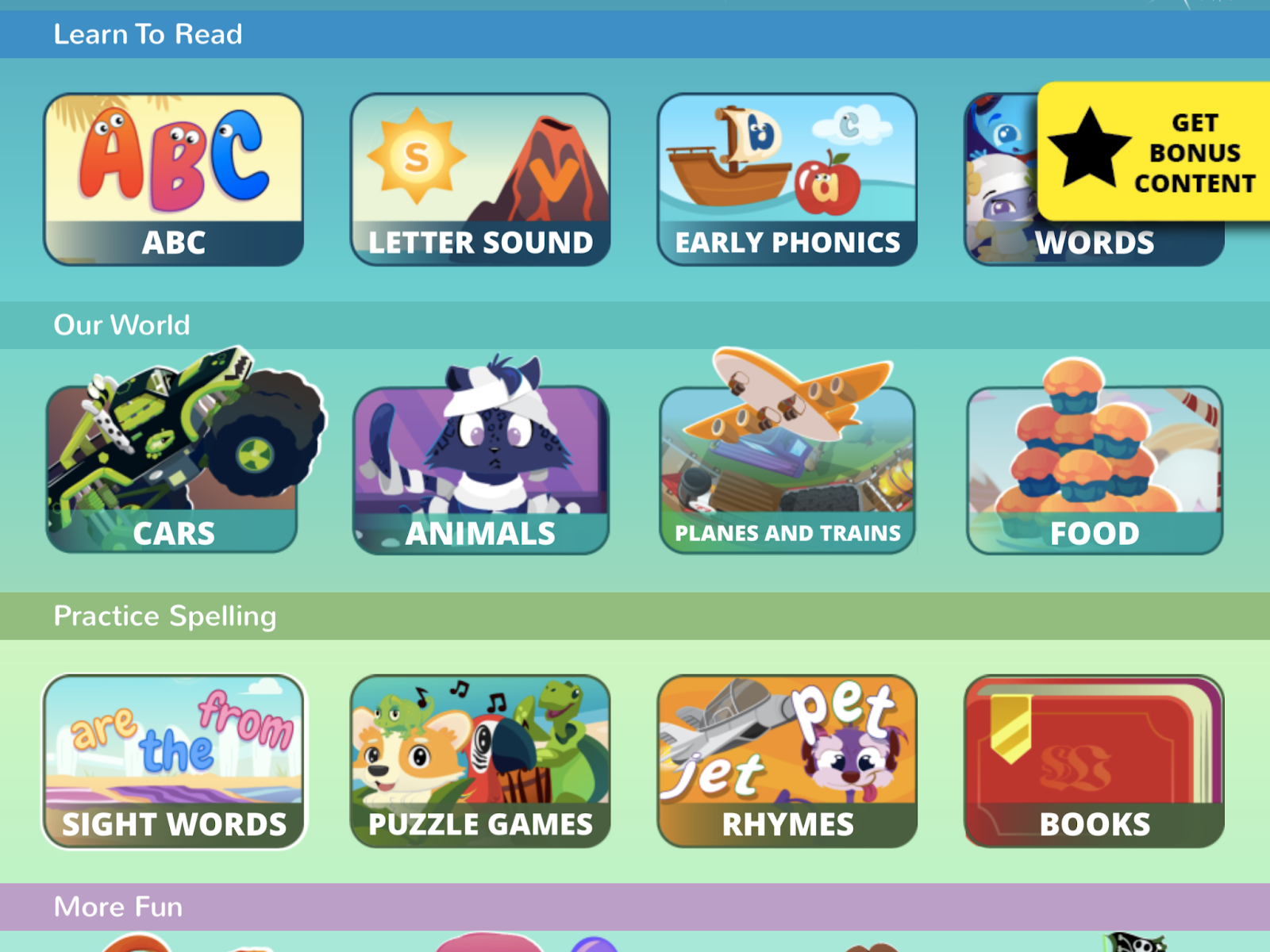
The main menu in the Wonster Words app

Game Settings 

The app provides clear instructions in American English. These instructions can be repeated on demand in any game, making it easy for young learners to follow along. Parents have the option to turn off the background music, which is advisable as it can be distracting. However, it’s worth noting that while the music can be disabled in the general menu, it remains active during mini-games. Some children, particularly those with auditory processing difficulties, may find this to be an ongoing distraction from learning. 

Player Engagement in Wonster Words

The following factors contribute to a child’s engagement while playing the Wonster Words app. 

Rewards

The Wonster Words app primarily uses intrinsic motivation to engage learners, which is ideal. Characters offer words of praise to encourage kids to keep playing and there are no elaborate material rewards to distract from the process of learning. 

Gameplay

There are various game types and themes that are visually appealing in the Wonster Words app. These games feature cute characters that capture children’s attention. Instructions are easy to follow and provide helpful clues so that young players don’t get stuck, encouraging independent gameplay. This design ensures that children can maintain their attention and successfully complete the games. 

However, Wonster Words does not start teaching easier concepts before building to more complex ones. Any game can be played at any time in the app. Therefore, many of the games in the app would be challenging for a new reader to understand and apply. There needs to be more structure—ideally, a reliable scope and sequence. 

Quality of Literacy Learning in Wonster Words  

Let’s consider the main success and downfall of phonics instruction in the Wonster Words app. 

Sequential Learning

Literacy experts advocate for sequential learning. This means that basic phonics concepts are introduced first and gradually build towards more complex ideas. Wonster Words incorporates a bit of this approach in its “Words” mini-game, which begins with simple CVC (consonant-vowel-consonant) words like “hop” before advancing to more phonetically complex words like “beach.” 

However, this sequential structure is not consistently applied throughout the app. Other games may start with more complex words from the outset. Additionally, all games are accessible at any time without a required order and there is no publicly-available phonics plan or scope and sequence for Wonster Words. This suggests that it does not follow a structured phonics progression, which could be detrimental to children’s literacy development.

Letter Sounds

Multiple games in the Wonster Words app focus on teaching or practicing letter sounds. In the “Letter Sound” game, the letter sounds are generally represented clearly and accurately for an American English accent. 

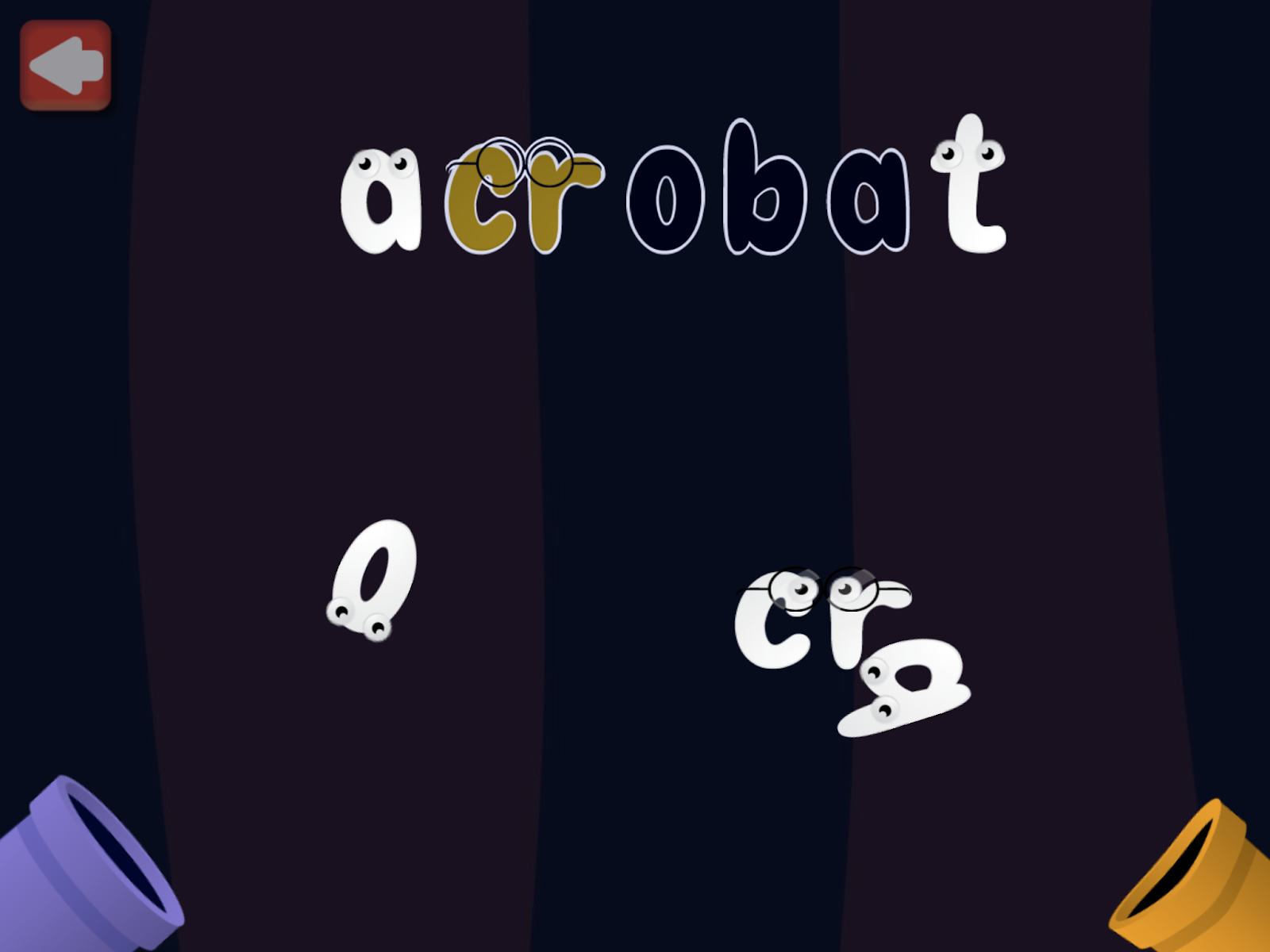
Unfortunately, the representation of letter sounds breaks down in the “Early Phonics” and most other mini-games. A common game in the app is to start with a word that the player needs to find or collect letters to ‘build’ the given word. Most of the chosen words in the game would be very difficult for a new reader to build on their own. 

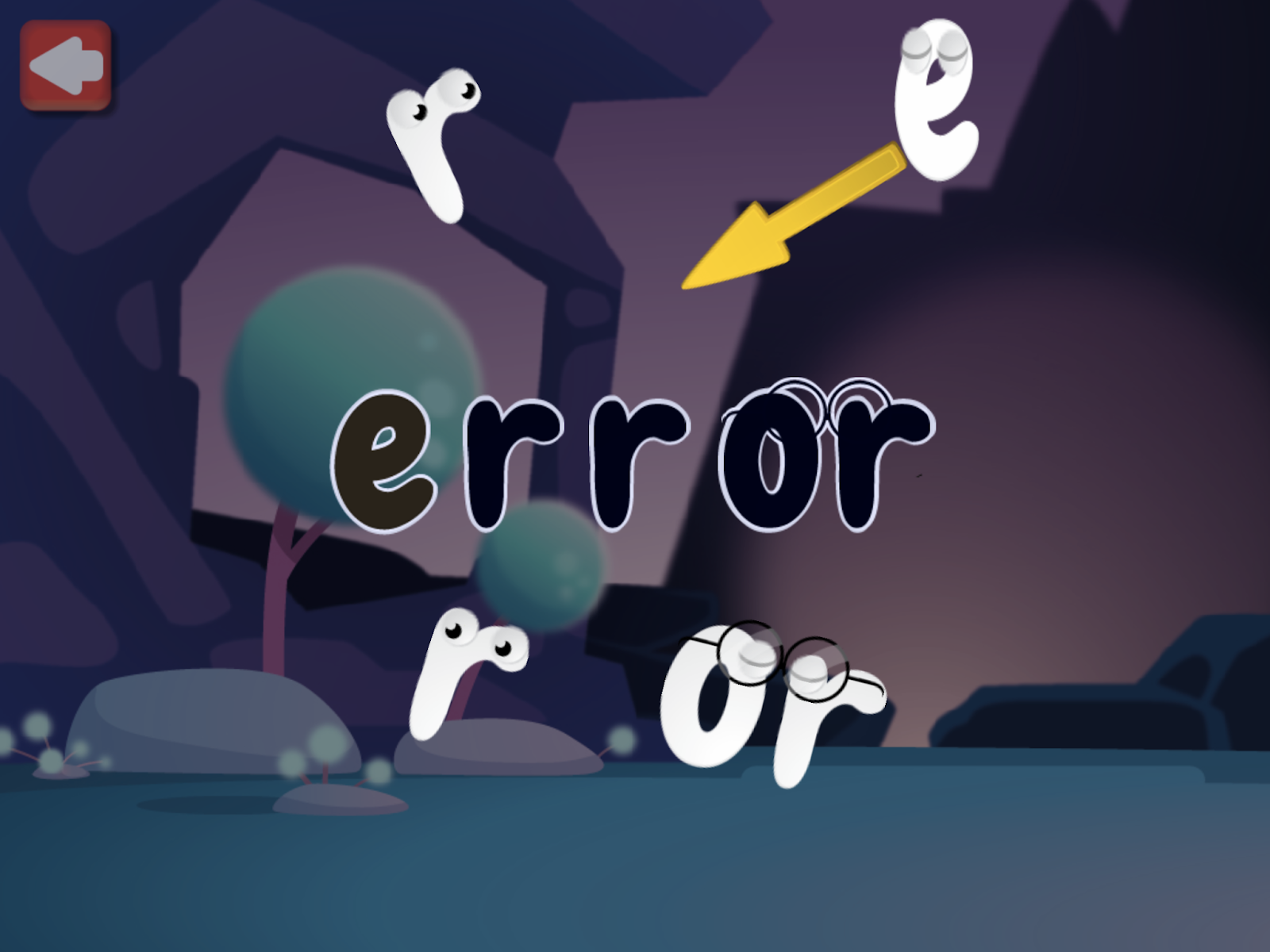
For example, the first word, ‘acrobat’ has three syllables. As the letters are found by the player and ‘held’, the letter makes its sound. The issue is that most of the sounds are not entirely accurate and have another sound or ‘schwa’ added to them. For example, the letter <T> makes ‘ti ti ti ti ti’ sounds when it should simply sound like /t/. When children learn letter sounds inaccurately like this, it can cause difficulties with reading and spelling later on. 

New readers are expected to build complex polysyllabic words like ‘acrobat’

Confusingly, the consonant blends in the game are treated as one unit with the letters moving as a whole connected chunk. This is unhelpful as consonant blends have two sounds and should be treated as such. 

On occasion, an entirely incorrect sound is given for the letter in the word. For example, the <G> in the word ‘giftwrap’ has a /j/ sound (also, gift wrap should be two separate words). Again, learning letter sounds inaccurately can hinder a child’s literacy development, so these mistakes in the app are significant and worth mentioning. 

There are many phonics errors in the mini-games in Wonster Words

Phonemic Awareness

Wonster Words lacks direct instruction in phonemic awareness, which is crucial for developing early reading skills. Essential phonemic awareness skills, such as blending sounds to read a word and segmenting sounds to spell a word, are not specifically targeted by the app. 

While the app does name the letters in the correct order when a word is successfully built, this feature is less effective than practicing blending sounds together to read words, which is a more critical component for early readers.

Digital Books

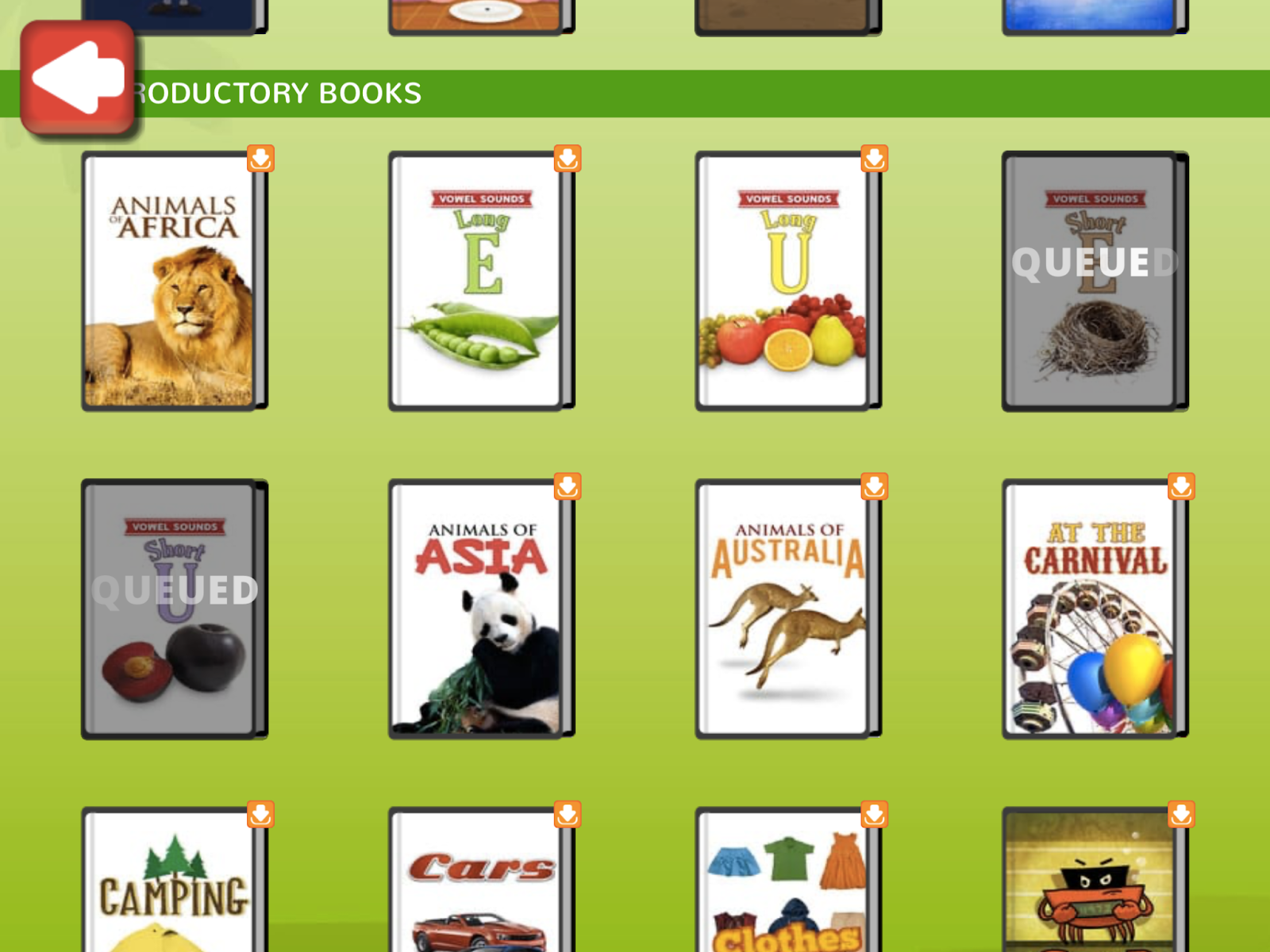
Wonster Words includes a books section including these categories of texts:

  • Wonster Books 
  • Songs 
  • Introductory Books
  • Level A 

The app offers the option to the child to read the books themselves or have them read aloud. If new readers are interested in these books they would likely not have much luck reading the books to themselves. This is because the books are not decodable. Decodable books contain sounds and words that children are familiar with and can sound out on their own. 

The books in Wonster Words contain many phonetically challenging words that are not taught in the app and that any new reader would have difficulty reading. These books are not suitable for beginning readers as they are not decodable. Decodable books have words that have been previously learned and practiced.

While the books are decent for listening, they do not stand out as exceptional in terms of supporting early reading skills like decoding (word-reading). 

Books in the Wonster Words App

Should I Let My Child Play Wonster Words?

The Wonster Words app offers a visually appealing and user-friendly platform for young children to engage in early literacy activities. While the app’s cute characters and engaging games can capture kids’ attention and provide some valuable literacy practice, it falls short in several key areas. 

The app’s inconsistent phonics progression and inaccurate representation of letter sounds could impede effective literacy learning. Additionally, the lack of focused phonemic awareness instruction and the use of non-decodable books limit its effectiveness for beginning readers. Although the app is easy to navigate and provides a fun learning environment, it may not be the most reliable tool for building foundational reading skills. 

For a more comprehensive literacy experience, explore other phonics apps for your child from our expert reviews at phonics.org.

Wonster Words App: Overall Ratings

Quality of Literacy Instruction: 2 / 5

Usability:  4 / 5

Engagement: 3 / 5

Mrs. Wordsmith: Readiculous App Review

Looking for effective ways to boost literacy skills? Exploring reviews on phonics.org can provide valuable insights to enhance your child or student’s educational journey.

Continue reading this review to see more details of the Readiculous app. 

What is Readiculous?

Readiculous is a literacy app developed by the brand Mrs. Wordsmith in conjunction with animator Craig Kellman. The app is intended for children ages 3-7 to learn foundational literacy skills. 

The Readiculous app emphasizes the science of reading in its literacy instruction, ensuring a research-backed approach to learning. Each account supports up to four users, with a 7-day free trial period before transitioning to a paid subscription model. The app encourages daily engagement with recommended 10-minute sessions and offers an ad-free environment for uninterrupted learning.

Is Readiculous Easy to Use?

The following factors impact the ease of use in the Readiculous app. 

Navigation and Gameplay

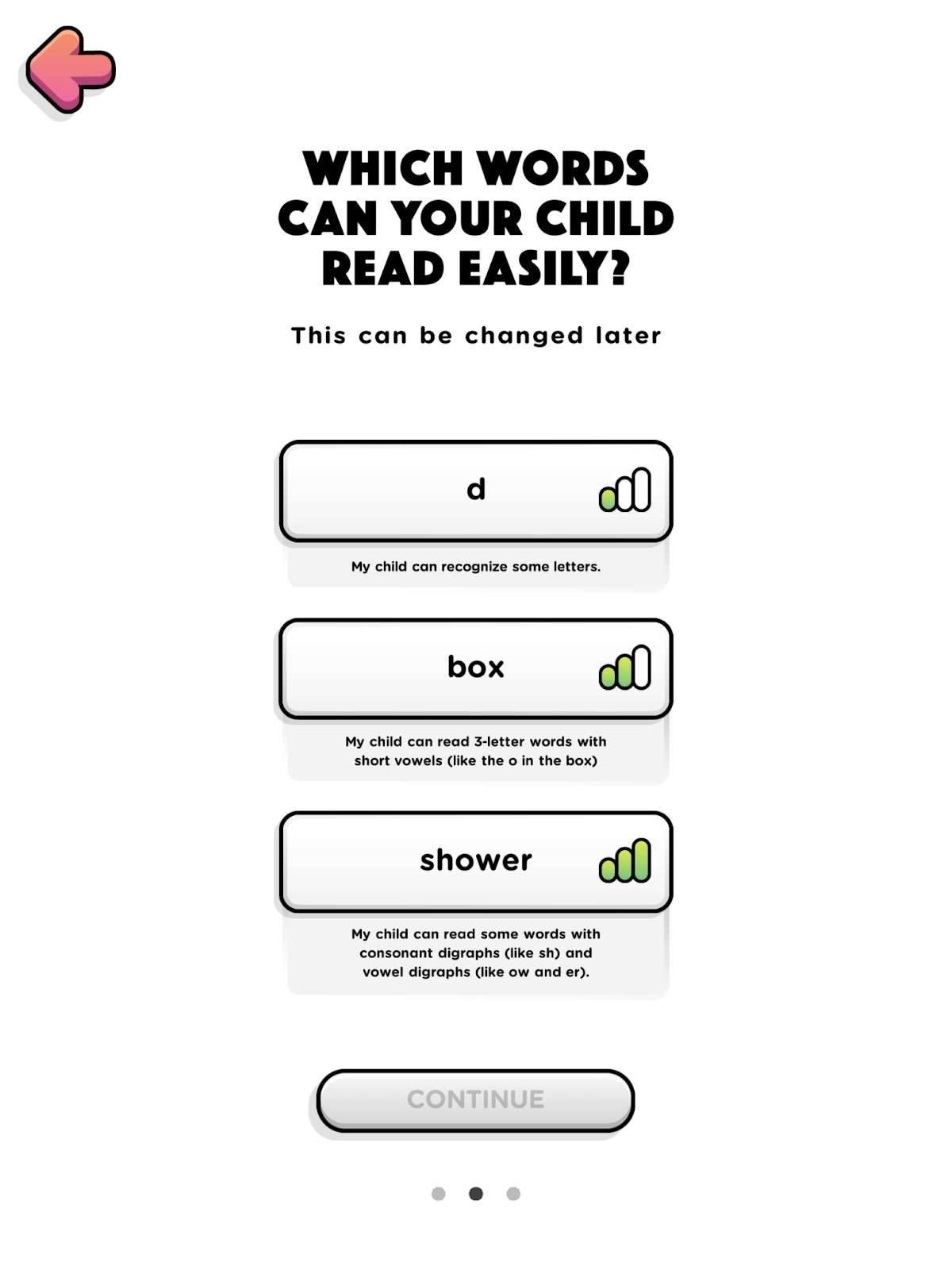
Readiculous offers user-friendly navigation and accessible gameplay designed to cater to young learners. Users can select between U.S. or U.K. accents for language options during the simple setup process. Three simple placement questions easily determine where a child should begin in the sequence of lessons. 

Readiculous uses simple placement questions for new players

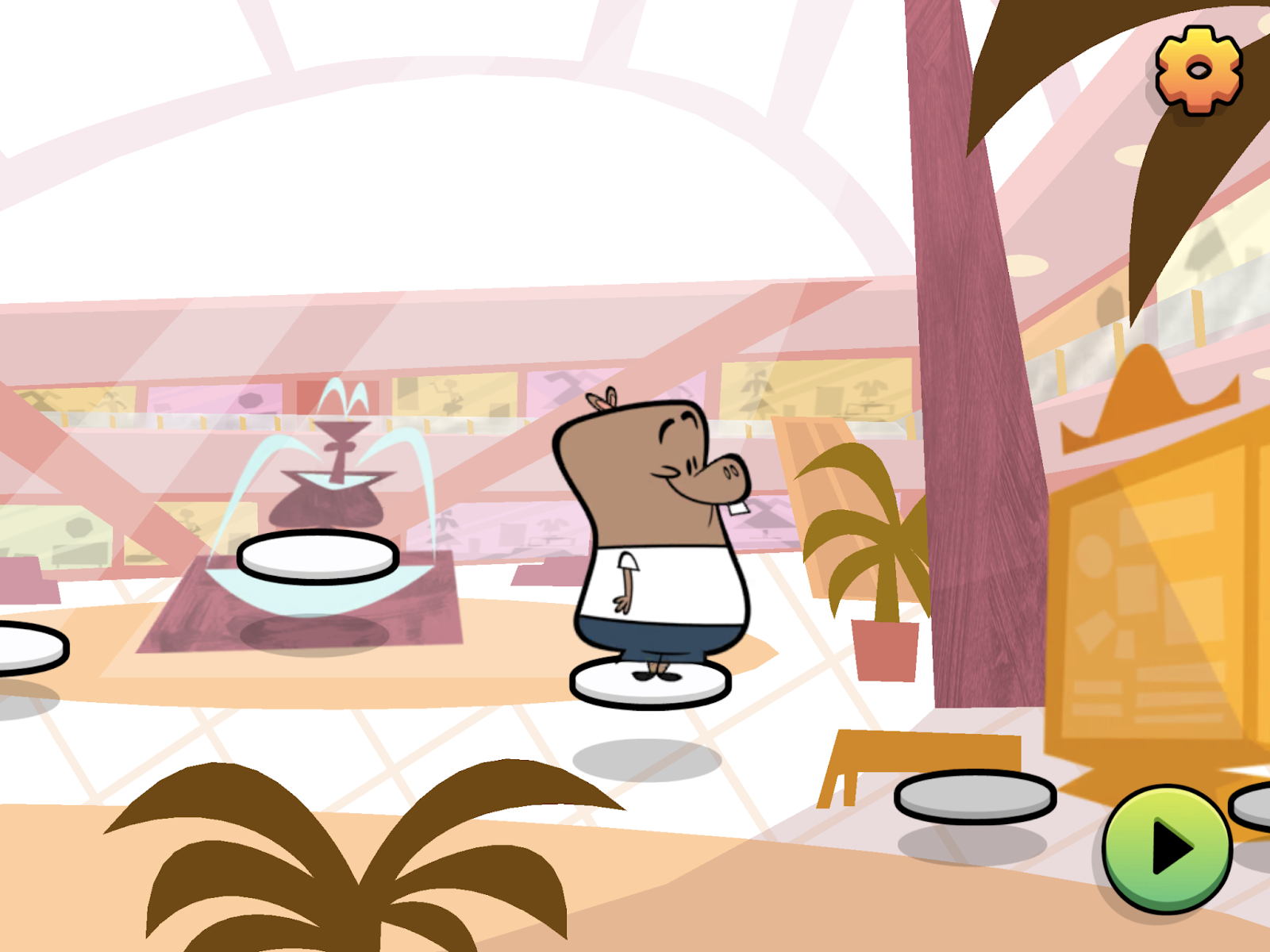
Each character featured in Readiculous has their own personalized map complete with unique background, music, and games. The characters follow straightforward paths easily followed by young players. This map provides a sense of progress and accomplishment for the players. 

Sequential lessons are completed step-by-step in the main area of Readiculous

Accessibility

Readiculous prioritizes accessibility with games that are intuitively designed and easy for young players to learn. However, a notable limitation is the inability to repeat instructions within the games, which may frustrate some users who need clarification or miss the initial instructions. This aspect could be improved to enhance user experience and reduce frustration during gameplay.

Another accessibility concern is related to sound effects customization. While some sound effects can be disabled, not all can be muted. This can pose challenges for children with attention, focus, auditory processing issues, or hearing concerns, as they may find certain sounds distracting or overwhelming. Providing more comprehensive options to adjust or silence all sound effects would be useful.

Engagement in the Readiculous App

There are several factors that contribute to the engagement within the Readiculous app. 

Visual Appeal

Readiculous excels in visual appeal, captivating young learners with its charming animations and adorable characters. Animator Craig Kellman designed the characters, who have a humorous and unique charm in the games. The characters have well-thought-out personalities and preferences which can further draw children deeper into the game. The music also adds to the engaging atmosphere, providing a lively backdrop to the learning experience.

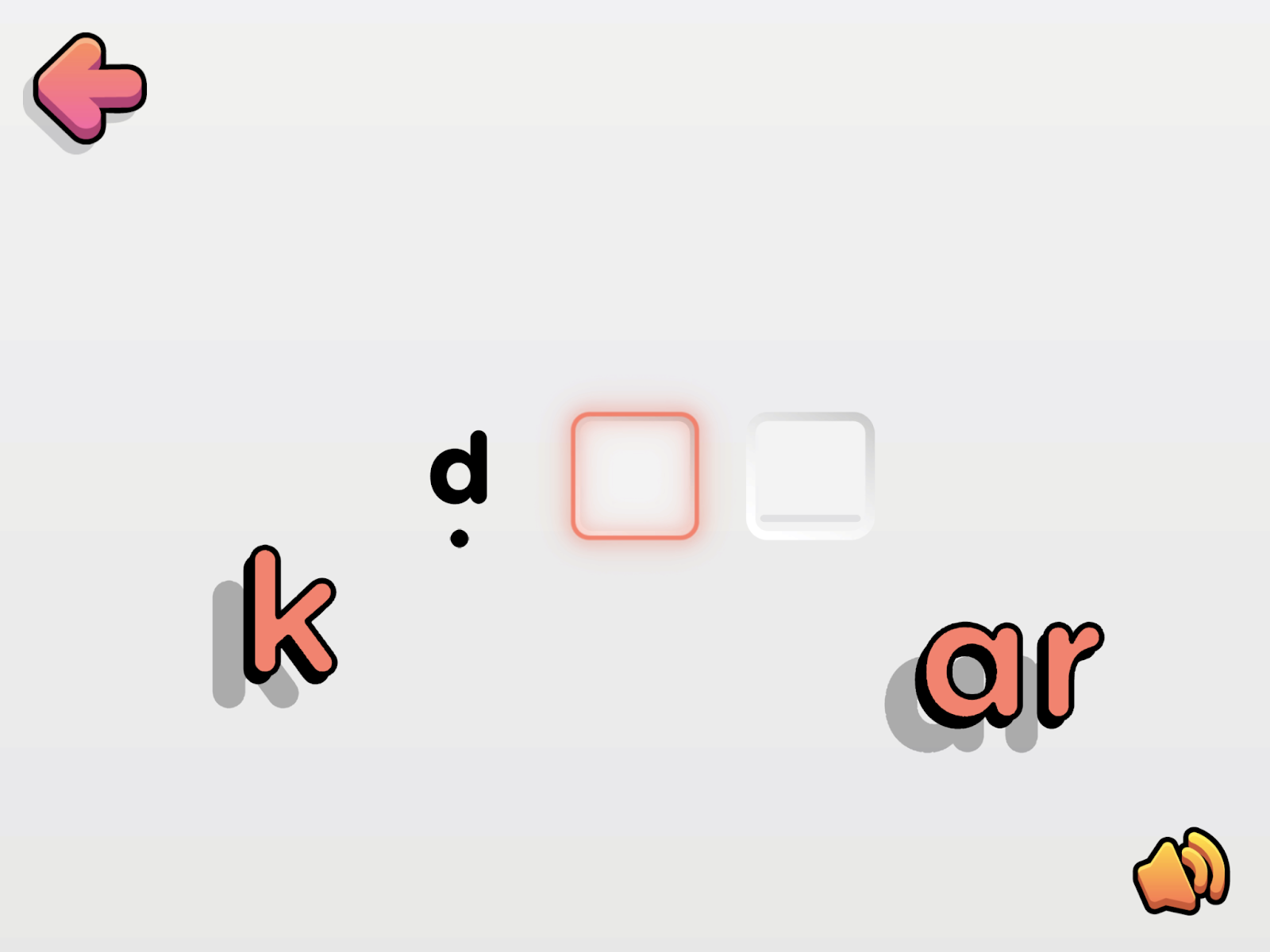
Gameplay Rewards

Readiculous gives players a variety of engaging rewards that complement its educational focus without detracting from learning objectives. Children are celebrated with cheers, confetti, and verbal praise. Short videos that feature cute characters engaged in activities together also serve as motivational rewards.

Players can also earn coins, adding a tangible element to their achievements within the app. Readiculous has a nice balance of external rewards without taking away from the learning goals of the app. 

Engagement With Games

Readiculous features a range of games that cater to young players. Some games may lack variety such as popping bubbles only to hear one reaction sound. Other games leverage texting interactions to enhance gameplay appeal.

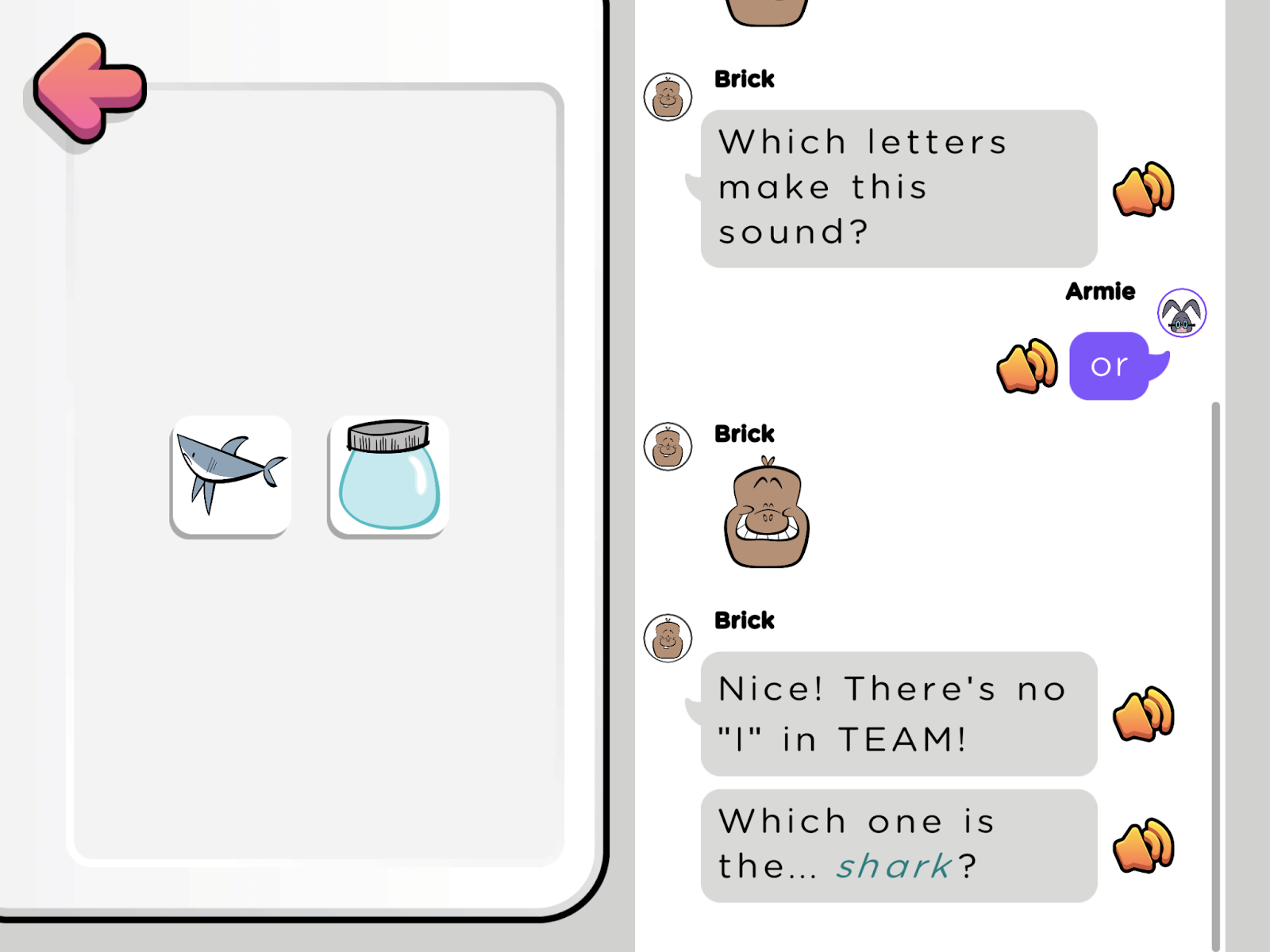
A texting game in the Readiculous app

The app contains mainly passive participation where children tap or observe the information. However, there are opportunities for more active engagement, such as accurately rebuilding words from scattered letters. Incorporating more activities that require active participation could further enhance the learning experience, providing opportunities for hands-on practice and reinforcing literacy skills in a dynamic way. 

Learning to Read With Readiculous

These factors contribute to the quality of literacy learning within the Readiculous app. 

Direct and Explicit Instruction

Readiculous uses direct and explicit instruction in letter learning, a method highly endorsed by reading experts for teaching children to read words effectively. 

The app provides very clear descriptions of letter names in both upper and lower case, along with their associated sounds, demonstrating a good example of direct instruction. The instructions are clear, concise, and straight to the point, ensuring that young learners can grasp foundational reading skills with clarity and confidence. This approach supports a solid educational foundation and enhances the learning experience within the app.

Sequential Learning

Readiculous emphasizes sequential learning with a clear order of phonics skills, following a structured approach. This means that once children learn letter sounds, they practice blending these sounds to read words. Then, more sounds are introduced and as they practice reading. This methodical progression is beneficial for children’s literacy development, ensuring a systematic buildup of skills.

To enhance transparency and support for parents and teachers, it would be helpful if Readiculous shared the sequence of phonics skills more explicitly. This would allow caregivers to understand what their child has already learned and practiced, as well as what they will be learning next. Providing this information can facilitate better support at home and in educational settings.

Letter Names and Letter Sounds

The Readiculous app clearly and directly teaches children letter names and their represented sounds. The sounds are generally clear and accurate without the addition of a schwa sound

Letter sound learning is taught using a Paired-Associate Learning technique where players tap the grapheme (letter) and the phoneme (speech sound) is repeated. This repetition is helpful for learning letter-sound associations, a foundation for learning to read. 

Phonemic Awareness

Phonemic awareness is the manipulation of speech sounds. These skills are essential for learning to read. In Readiculous, children begin blending letter sounds to form words soon after learning some letter-sound correspondences. This phoneme blending is an important phonemic awareness skill to master for early readers.

However, the app focuses on introducing final blending. This involves saying one sound after another and then blending them together at the end. It is easier to learn to blend sounds using continuous blending, which involves holding a sound and seamlessly blending it into the next without pausing. Incorporating this type of phoneme blending in Readiculous would make learning more accessible for more children. 

Readiculous models phoneme blending by showing a word and having the player tap each letter in the word. As they tap, the sound of the letter is stated at the same time as a ‘ding!’ sound. Unfortunately, the ding sound inserted into the most important sound aspect of the game is problematic. The additional sound is not part of the word and is distracting. It is best to only have the sound of the letter in this type of instruction. 

This decoding activity is almost great, but is disrupted by ‘dings’ with the letter sounds

Word Building

Once individual words are read, the letters scatter and the player needs to rebuild the word. Readiculous does a great job of connecting letters together that represent the same sound. For instance, the <oo> in ‘book’ are moved into place together as they represent one sound. The Elkonin boxes in the game effectively support word-building skills for children. 

The word-building game has a logical word choice and good use of Elkonin boxes

Practice with manipulating individual speech sounds to read and spell words is a part of synthetic phonics. The synthetic phonics approach in Readiculous has shown to be the most effective type of phonics for teaching children to read and spell. 

Does the Readiculous App Work for Reading Instruction?

Overall, Readiculous has a ridiculously well-designed app that is easy to navigate and learn to use. Readiculous also excels in engagement with incredible animations and well-planned reward systems. Improvements could be made by increasing the active participation in some of the games or creating more variety such as in the letter-sound bubble game. 

The quality of literacy instruction in Readiculous is good!. The app effectively uses recommended teaching approaches such as direct instruction and following a progressive sequence of phonics skills. The app also models important phonemic awareness skills such as phoneme blending. 

This shows children how to sound out a word. Unfortunately, the app fumbles with the execution of this incredibly important aspect by adding a ‘ding!’ to the letters while children are trying to learn to carefully attend to the sounds. Including models of continuous blending would also better support instruction in this skill. 

While the Readiculous app is not a comprehensive approach to all aspects of literacy learning, the app actually does a good job of teaching letter sounds, building phonemic awareness skills, and showing children how to decode single words. This is done in an easy-to-use and engaging way. 

Want to read more reviews of learning apps? Check out the reviews at phonics.org where we share educational opinions on the popular programs today!

Readiculous App: Overall Ratings

Quality of Literacy Instruction: 4 / 5

Usability:  4.5 / 5

Engagement: 4  / 5

Literacy Review of the Jolly Phonics Program 

Logical Literacy for New Readers

Curious about how the Jolly Phonics program compares to other literacy apps? Read more app reviews at phonics.org and find the best literacy app for your child. 

What is Jolly Phonics?

Chris Jolly founded Jolly Phonics to help children learn to read. The app is intended for learners ages four and older with the guidance of literate adults. The program has been adopted in over 80 countries worldwide! 

The Jolly Phonics app emphasizes literacy instruction in the areas of:

  • Letter Names
  • Letter Sounds
  • Letter Formation
  • Phonemic Awareness (phoneme isolation, blending, and segmenting)
  • Decoding (word-reading)
  • Encoding (spelling)

This specific app is not a comprehensive literacy program but does offer quality instruction of word reading for early readers. Read on to learn more details about this literacy app. 

Is the Jolly Phonics App Easy to Use?

Jolly Phonics is generally well-organized and easy to use. In this section, let’s explore the app’s usability in detail. 

Navigation and Organization

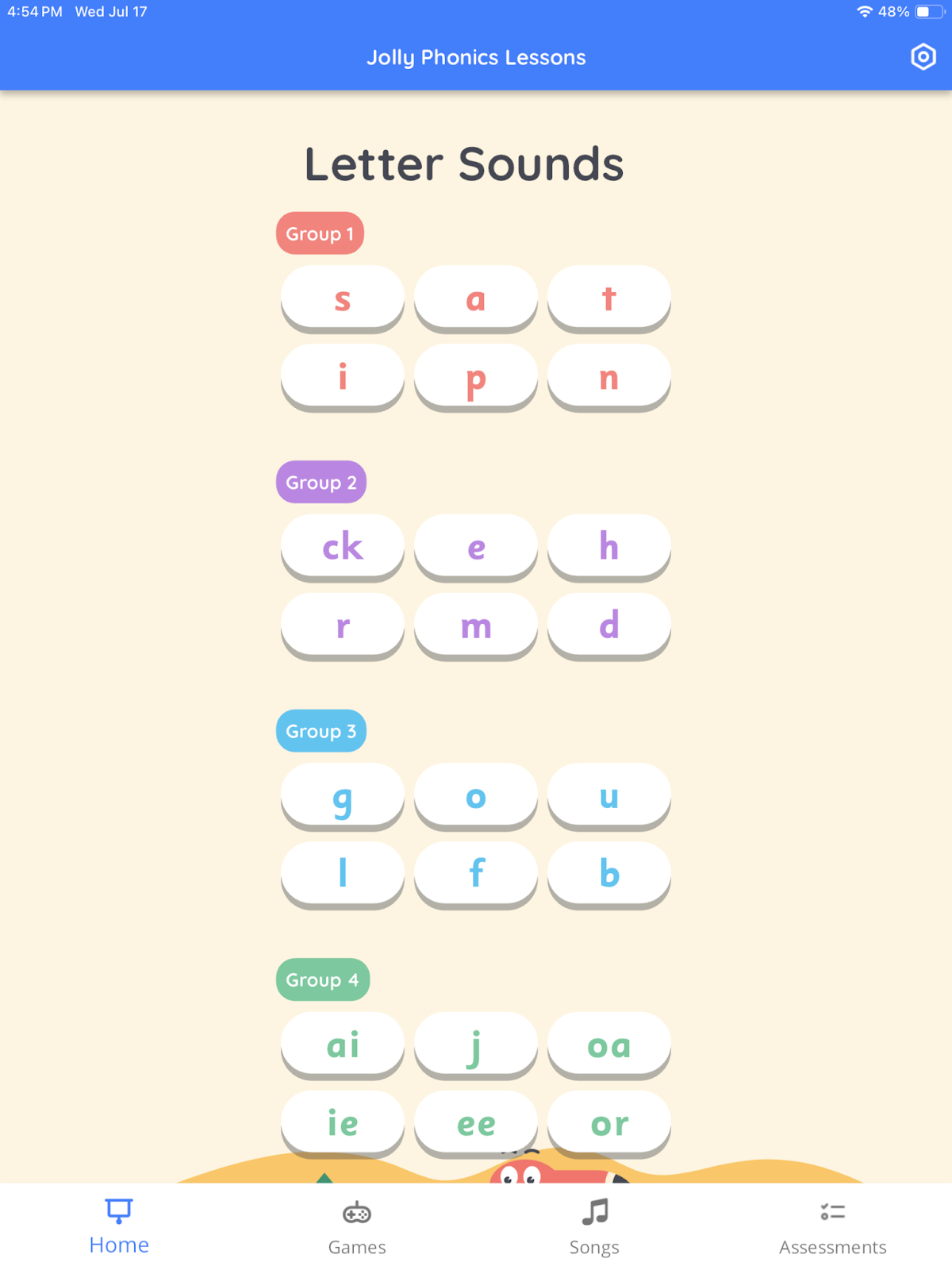
The Jolly Phonics app is well-organized and easy to navigate. The app organizes content into categories:

  • Home (literacy lessons)
  • Games 
  • Songs
  • Assessments

While it’s generally easy for children and adults to find their way around the app, it is advisable to make sure songs are paused or stopped before navigating away from the ‘Songs’ category. This is because songs will continue in the background and overlap and interfere with other games and lessons. 

Children should use the app under adult supervision to ensure they practice the appropriate content, as navigating to more challenging areas independently could lead to frustration. 

Game Settings

The Jolly Phonics app has multiple adjustable settings. Users can select between British English and American English accents, as well as choose a preferred font.

There is a setting in ‘Games’ that can be played using ‘Select Sounds.’ This is a potentially great feature as the grown-up could set the app up to hone in on specific letters or sounds that a child needs to practice. Additionally, the guiding adult could align the games in the app to the order of letter sounds they are learning at school. Unfortunately, this setting only works for some of the games. However, the Segmenting and Reading games do not seem to consistently abide by these selections.  

Phonics Screening Assessment

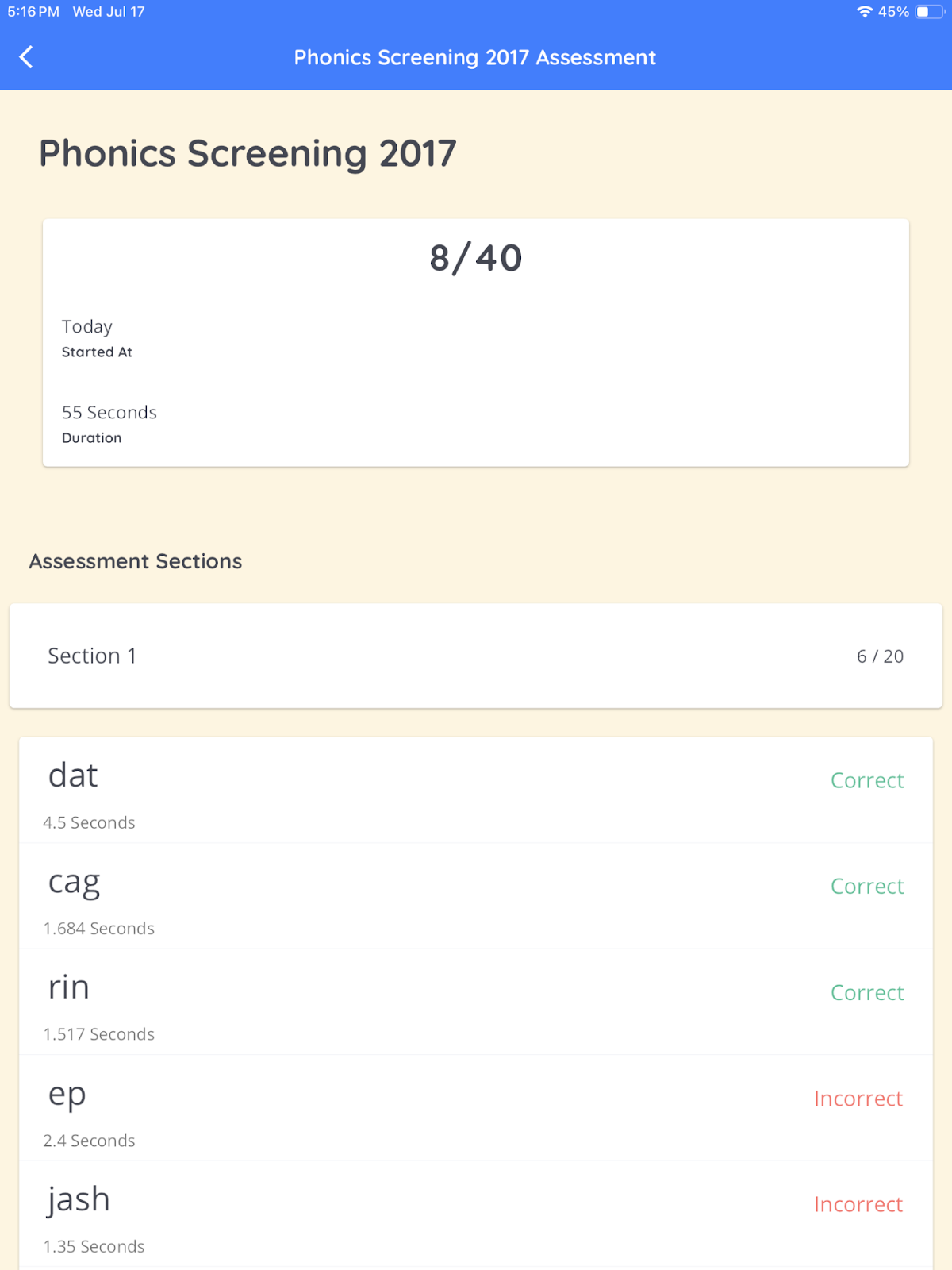
The Jolly Phonics app incorporates the Phonics Screening Check—a standardized assessment by the UK Government—which includes real and nonwords for children to read in isolation. Users can easily administer the test and record results within the app. This assessment provides an accurate way to evaluate word-reading skills, as it includes nonwords to gauge phonetic decoding abilities rather than just counting which common words a child has memorized.  

For those new to phonics teaching, the assessment may not offer clear starting recommendations. However, the screener is helpful for pre-learning and progress tracking. 

Phonics Screening Results indicate the total words read in a specific time

Engagement in the Jolly Phonics App

The following factors influence player engagement in the Jolly Phonics app. 

Rewards

In the Jolly Phonics app, rewards are provided through positive verbal reinforcement within the games. Unlike many other apps, there are no collections of items or external rewards. This approach encourages intrinsic motivation where the reward is inherent in the learning process itself, enhancing focus and engagement without distractions.

Gameplay

Seven games are available in the Jolly Phonics app. These games are designed to be very easy and straightforward for young players. Clear, repeatable instructions accompany each game. The lessons are logically structured and consistent, which helps learners anticipate what to expect, although this predictability may become a little boring over time.

Stories and Songs

There are several aspects of the Jolly phonics lessons that are designed to improve retention of key concepts and engage young learners:

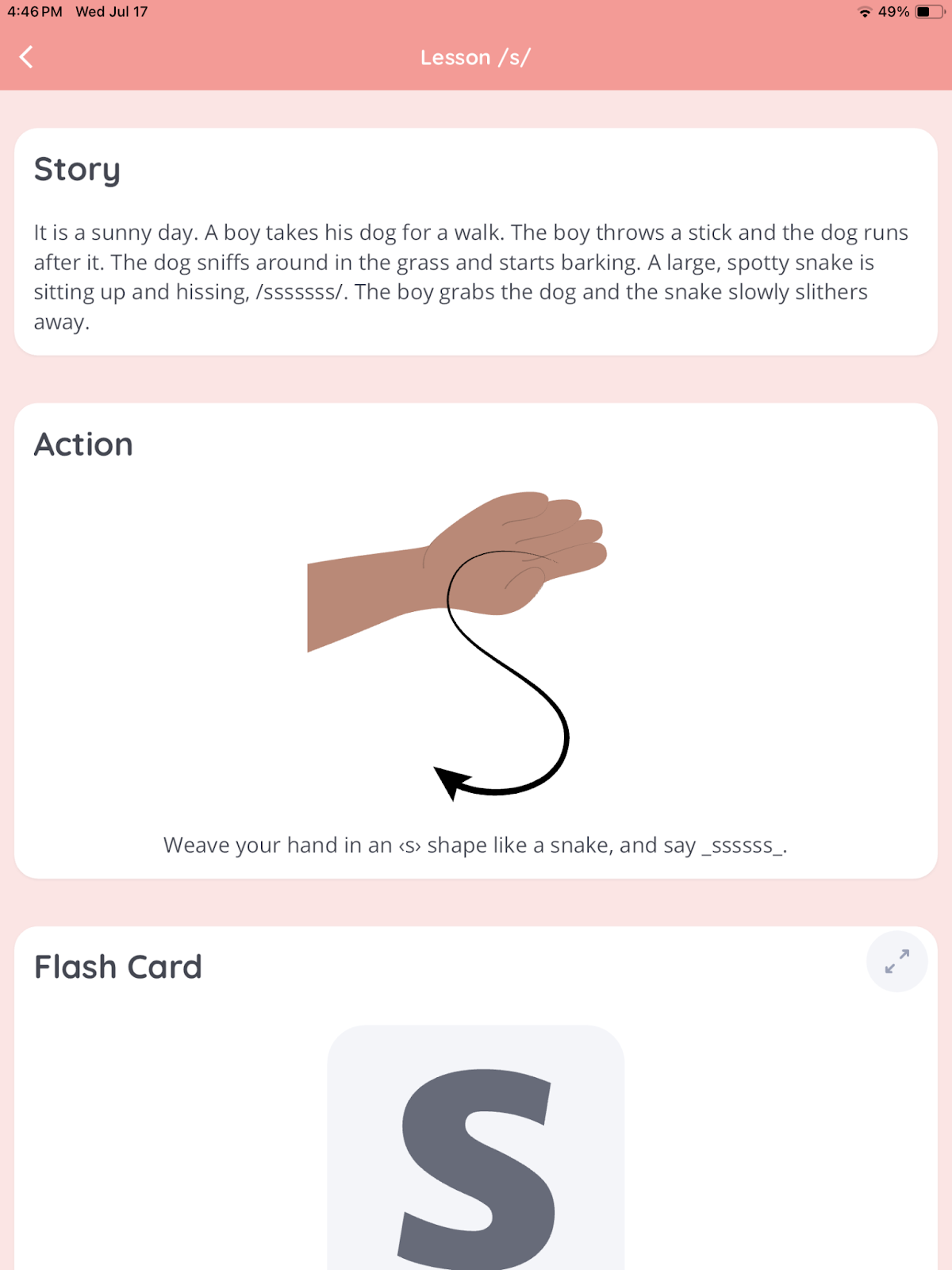
  • Story: a short story to illustrate the letter sound in the lesson
  • Action: a physical cue connected to the letter sound
  • Song: a short jingle to reinforce the letter sound

These lesson elements incorporate music, physical movement, and the imagination of new readers. All of these components are engaging and fun for younger children.  

Story and Action examples from the Jolly Phonics lessons

Literacy Learning With Jolly Phonics

The Jolly Phonics app provides literacy instruction that follows many recommendations backed by research. 

Consistent and Sequential Lesson Structure

The lessons in the Jolly Phonics app follow a structured format consisting of 9 steps:

1. Review previously learned letter-sounds

2. Story (comprehension)

3. Action (practice)

4. Flashcard (new letter-sound association)

5. Formation (printing)

6. Blending (putting sounds together to read new words)

7. Sounding (identifying new sounds in words)

8. Writing (spelling)

9. Song (singing and nursery rhymes)

The content in these lessons is valuable to learn and in a logical order. This consistency over all of the lessons makes it easier for adults to guide their new readers and for the learner to know what to expect and follow along appropriately. 

It is widely recommended that phonics skills be taught sequentially, in a pre-planned logical sequence. Jolly Phonics does a great job of having a clear and logical order of phonics skills that are clearly shared with educators and parents. 

Sequence of taught letter sounds.

Letter Recognition 

Teaching new readers letters and their associated sounds is a crucial objective of the Jolly Phonics app. The app provides accurate, clear, and consistent instruction. While effective in teaching letter sounds, some songs include words that may seem unusual to young learners, such as <C> for ‘castanet’.

The letter formation practice in the app is also clear and easy to play. Children are shown how to create a letter and then practice the proper formation with their fingers on the app. It is logical to include letter formation practice with letter names and sound learning and is a great addition to the app. 

Phonemic Awareness

Phonemic awareness skills such as phoneme isolation, blending, and segmenting are fundamental for literacy development. Phoneme blending helps children decode words while segmenting assists in spelling them. The Jolly Phonics app integrates these skills into its lessons and games. 

Blending practice in the Jolly Phonics lessons

Is Jolly Phonics Helpful for New Readers?

Short answer: Yes! Jolly Phonics offers easy navigation and well-organized lessons for students. While occasional app navigation glitches exist, they can be managed. The app also allows for customization based on the child’s accent, learning needs, and pace.

The app is also relatively engaging for younger children. Instead of distracting rewards and prizes, the app focuses on engaging details like physical actions and jingles. While the seven games are initially appealing, they may become repetitive over time. Also, a participating literate adult is necessary for a child to use this app to learn to read. 

Finally, Jolly Phonics incorporates essential components of literacy programs, including sequential, synthetic phonics, letter learning, and phonemic awareness skills. However, it currently lacks practice with reading phrases or sentences for fluency and comprehension development. Jolly Phonics would be a good app to pair with a comprehensive literacy program.

Compare other phonics reviews at Phonics.org, where literacy experts share their honest opinions and ratings of some of the latest literacy apps on the market today. 

Jolly Phonics: Overall Ratings

Quality of Literacy Instruction: 4 / 5

Usability:  4 / 5

Engagement:  4.5 / 5

ABC Ride Review

Pedaling Through the ABCs

Make screen time count with quality literacy apps! Read about which apps are actually worth your time and money with reviews at phonics.org

In this review, we take a look at the ABC Ride app and its features. 

What is ABC Ride?

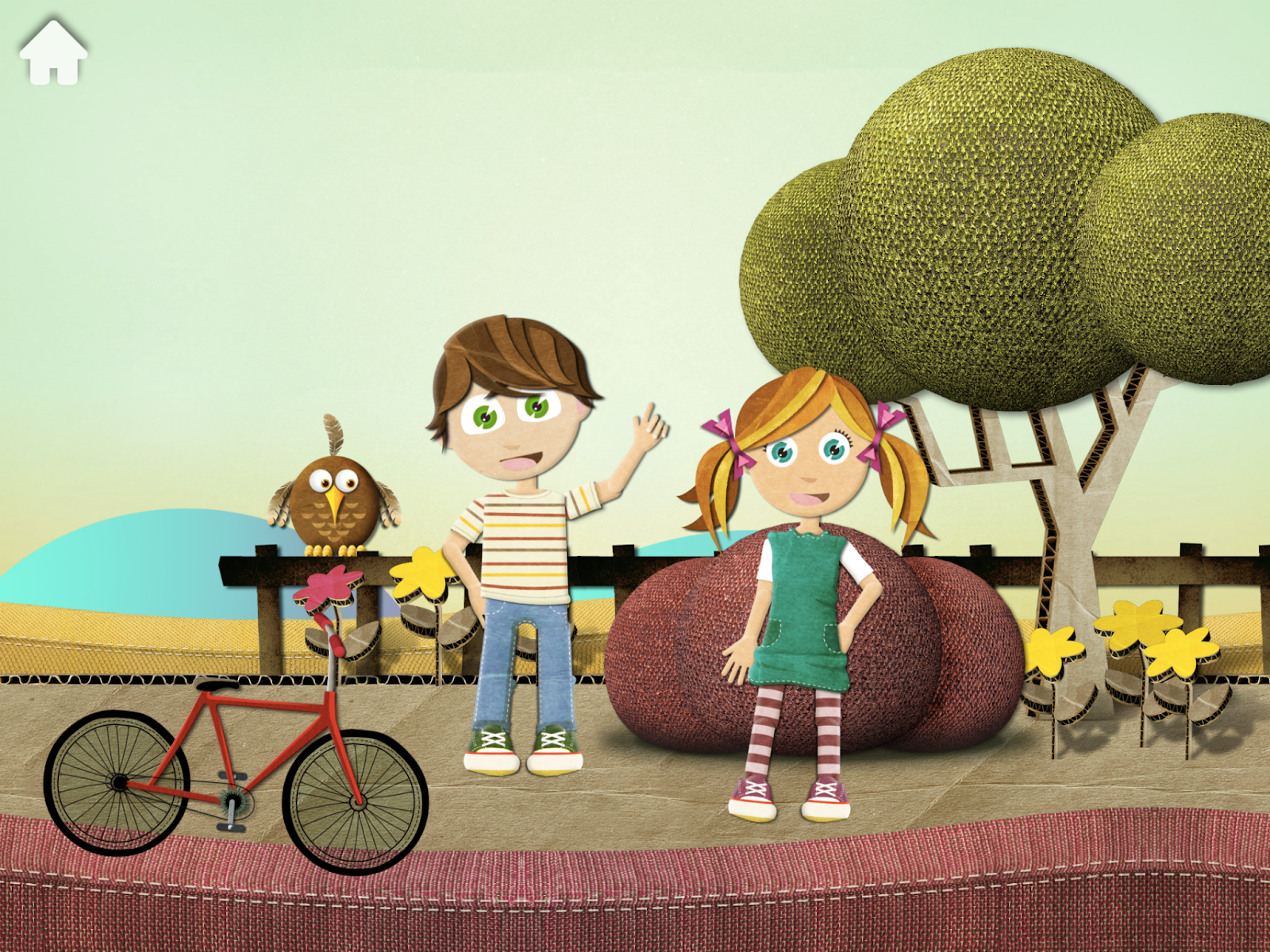
In this fun learning app, students join Beck and Bo on a bicycle ride with ABC Ride by Avokiddo. As Beck and Bo ride a bike through the game, they make stops to practice learning a new letter name or letter sound. This app is designed for children from ages 3-7 to support literacy learning. ABC Ride is not a comprehensive reading program. Rather, the app focuses on practice with letter names and letter sounds with short engaging activities for new readers. 

Is ABC Ride Easy to Use?

Overall, ABC Ride is fairly easy to set up and play. Refer to these recommended settings to get the most out of the app. 

Navigation and Gameplay

The user navigation in ABC Ride is straightforward and accessible, requiring no login or sign-ups to get started. It’s designed to be intuitive, making it easy for young children to understand and enjoy. Users have direct control over animated characters and their bicycle movements, allowing them to participate in interactive games. 

The app, however, lacks an option for children to repeat instructions when needed, which would be a helpful feature. Overall, the app’s user-friendly and straightforward setup enhances the ease of play.

Game Settings

Several settings in ABC Ride can be adjusted based on a child’s learning needs or parental preferences. The option to easily adjust these settings enhances the usability of the app. This customization feature is a plus.  

Here are some recommendations for setting up the app to optimize your child’s experience.

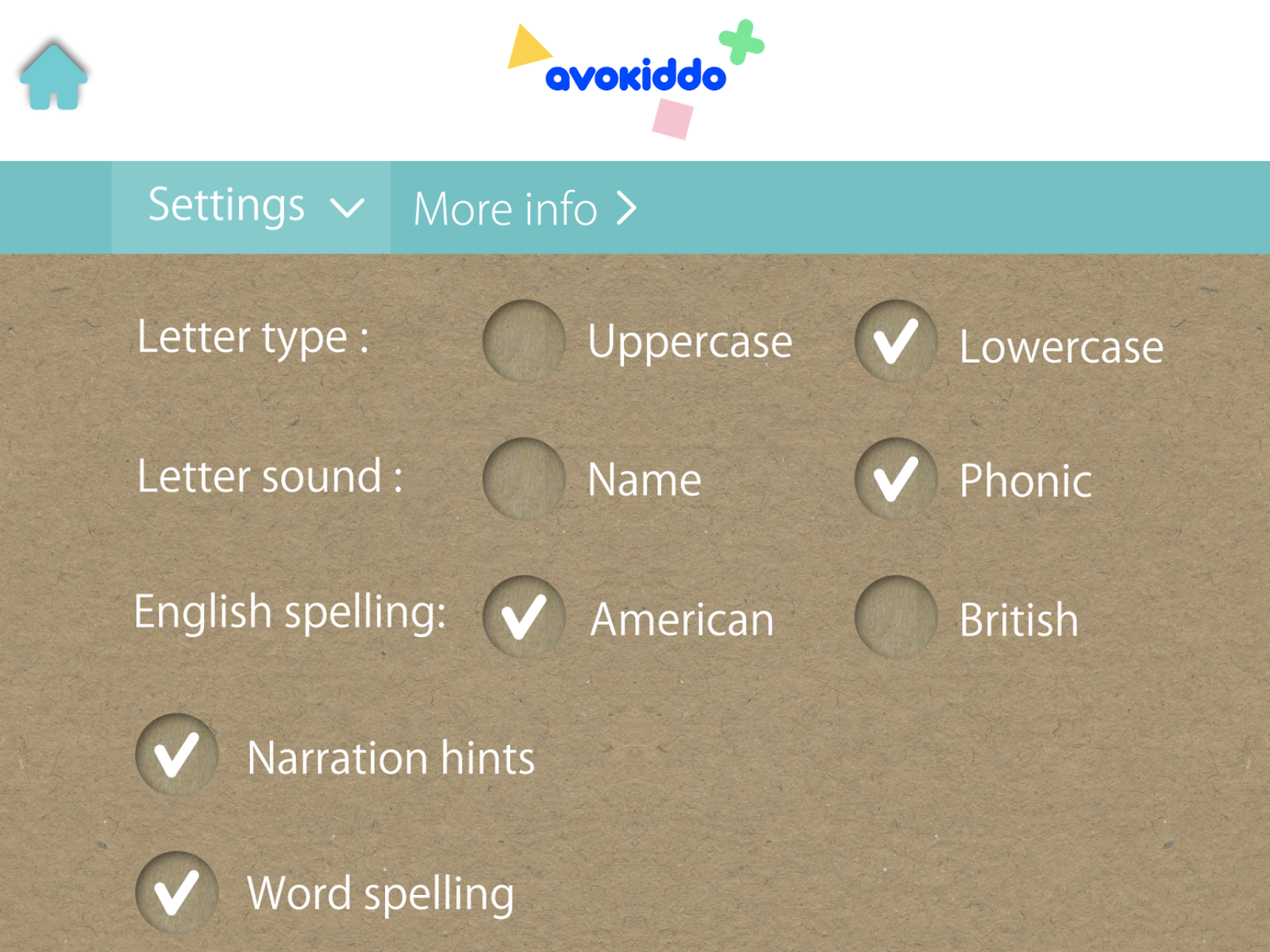
  • Letter Type: Adults can choose between practice with uppercase and lowercase letters. If your child is just getting started with learning letters, choose the lowercase option, as these are more commonly used and seen in kids’ books. 
  • Letter Sound: Select “Phonic” for letter sounds unless your child is already proficient in letter sound knowledge, in which case choose “Name”.
  • English Spelling: There is a choice between American and British spelling. However, changing the spelling preference does not change the accent in the app, so this app isn’t really appropriate for children with British English accents anyway. 
  • Narration Hints: Keep this setting on for additional guidance during gameplay.
  • Word Spelling and Shuffle Dropped Letters: Choose settings based on your child’s preference; this aspect of the game has little impact on literacy learning. 
  • Background Music: Turn this off if your child doesn’t enjoy the music, experiences auditory processing issues, or has difficulties with focus and attention.
Settings in ABC Ride

Is the ABC Ride App Fun to Play?

New readers will likely find ABC Ride an enjoyable and engaging playing experience for a short time.

Rewards

Rewards in the ABC Ride app include cheering and positive feedback from the narrator such as, “That’s excellent!” or “Awesome!”. Players can also collect stars while ‘riding’ their bicycle. While the stars don’t do anything else in the app, they’re fun to collect and they don’t distract from learning. 

Gameplay

Letter activities in the ABC Ride app are intuitive and straightforward to play. They’re well-designed and developmentally appropriate for the intended young audience. The games are engaging yet not too lengthy. The activities are consistent which is great for building kids’ confidence—they know what to expect and how to navigate the app. However, over time, repetitive gameplay may lose some children’s interest. 

Appearance

The ABC Ride app features a simple, clear design with cute and visually appealing elements. It includes charming sound effects and music that enhance the player’s experience. While the animated characters are cute, adding more diverse character options would enrich the app’s appeal and inclusivity.

Beck and Bo are the characters in ABC Ride

Literacy Learning With ABC Ride

Let’s look more closely at the literacy components in the ABC Ride app. 

Sequential Learning

Literacy experts recommend teaching with a planned and intentional sequence of letter-sound correspondences. For example, it makes sense to teach the letter sounds for the letter <M> before the letter <R>  as it is easier to pronounce and is a commonly used letter. 

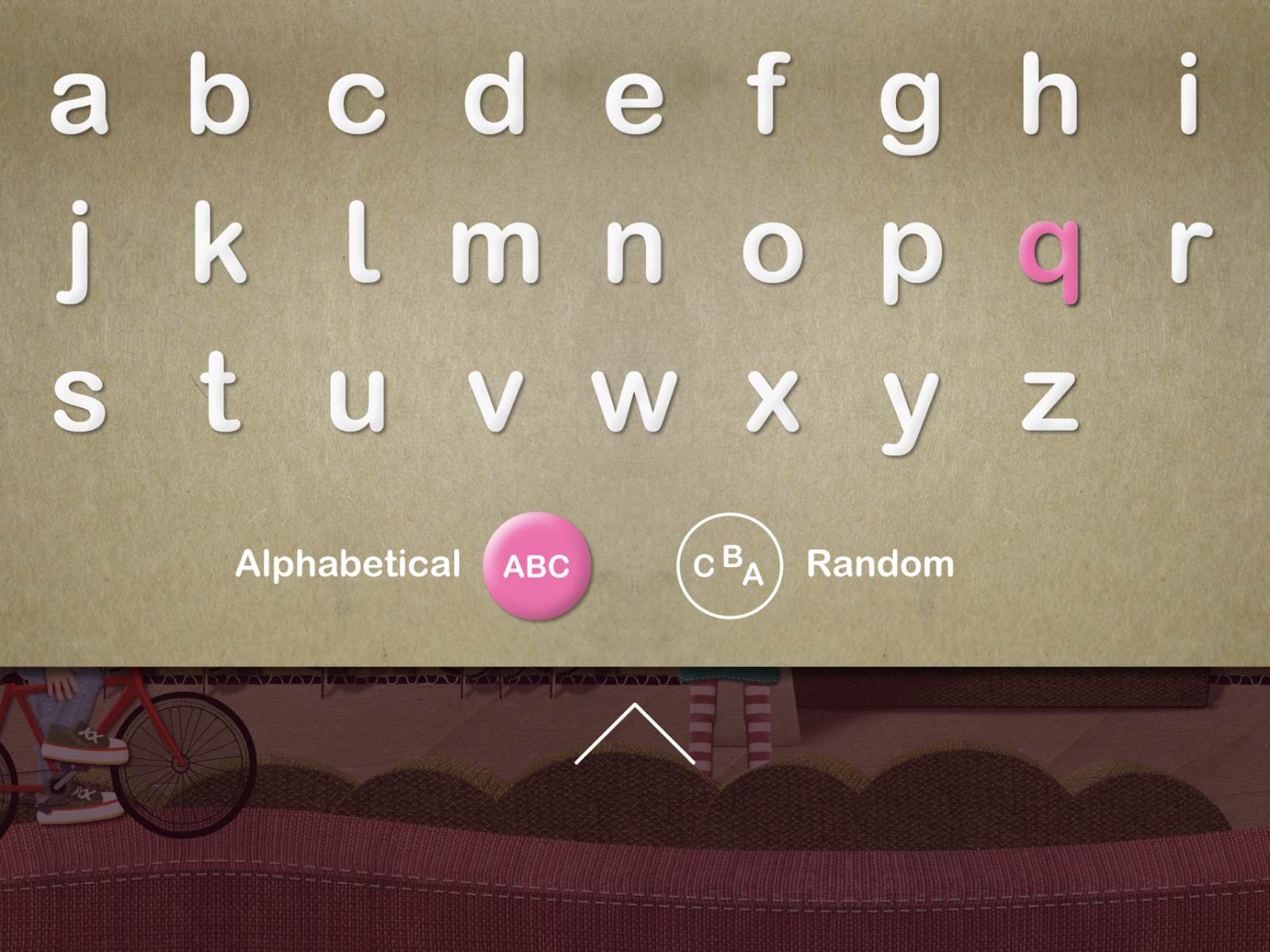
ABC Ride has three options for the order of letter sound instruction:

  1. Alphabetical Order
  2. Random Order
  3. Specific Letter Choice

This presentation of choices is a great feature of the app. Ideally, a grown-up who guides their child in this app would have a scope and sequence of letter sounds to follow. Unfortunately, the app won’t let adults choose the order of all the letters. They can only choose one at a time. While the default options—alphabetical and random—are adequate, allowing for more tailored letter-learning sequences would further enhance the app’s educational value.

Alphabet learning options for ABC Ride

Letter Learning

Learning letter names and sounds is foundational to learning to read and spell. The focus of developing these skills is a valuable goal for ABC Ride. Letter sounds are introduced using an American English accent in a clear and mostly accurate way. The letter sounds for /f/ and /h/ are slightly inaccurate with an additional schwa sound added on. 

The app begins each letter introduction with a “sound story,” a brief narrative that incorporates words starting with the same sound. These alliterative sound stories enhance phonemic awareness skills. While there is some direct instruction, there could be more explicit direction in this area. 

One area where the app could improve is incorporating letter formation alongside letter names and sounds, a straightforward enhancement that would benefit children’s learning experience.

Spelling

Each alphabet activity starts with a sound story, a bit of practice with a keyword associated with that letter sound, and ends with a ‘word spelling’ activity. In this activity, a keyword for the letter sound is presented and then the letters that make up this word fall down. The player’s job is to recreate the word by matching the fallen letters with the remaining outline of the letter. When the player taps a letter to put it back in its spot, the letter sound is repeated. 

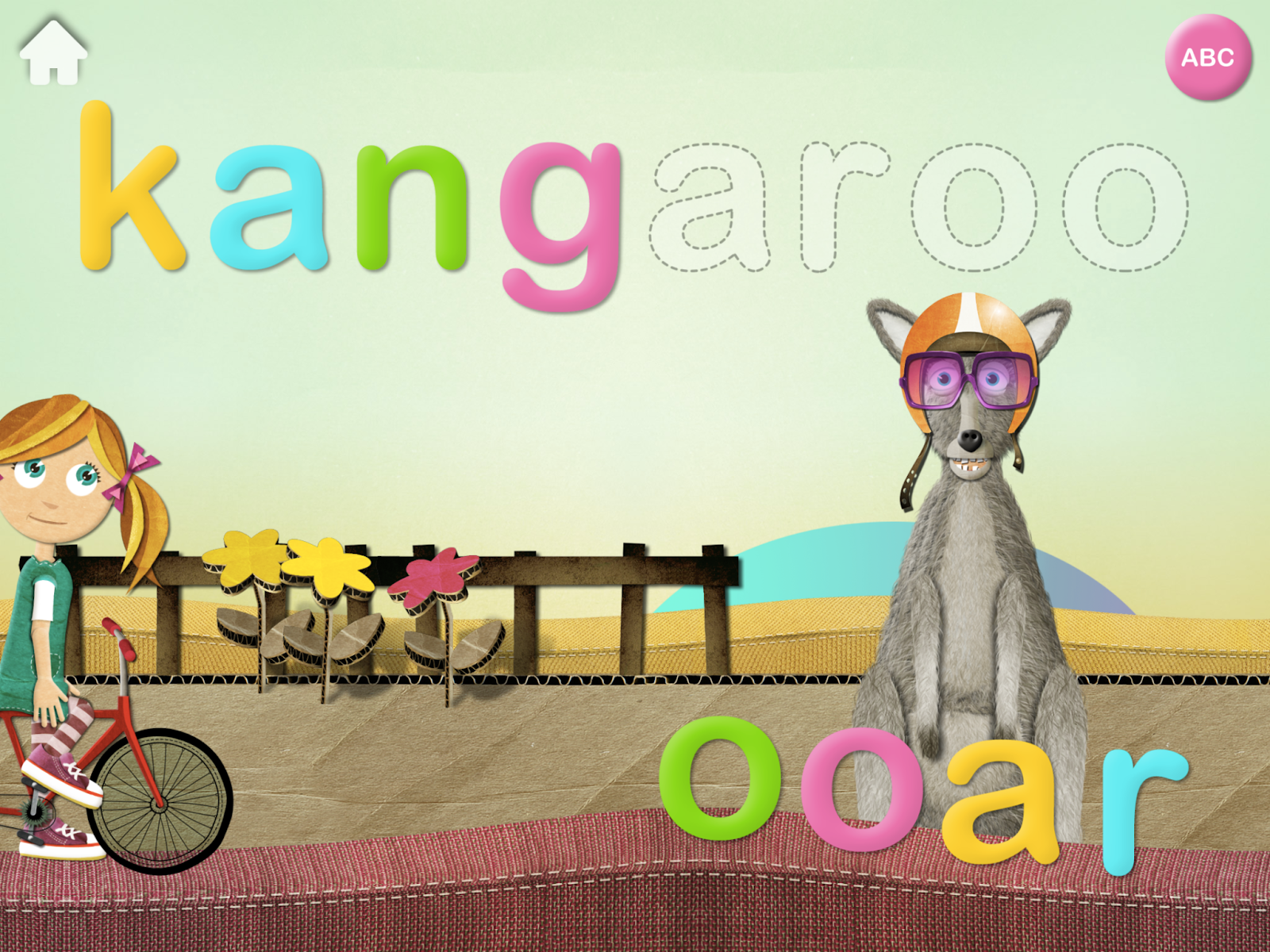
This spelling activity falls short of the intended purpose for a few reasons. First, the chosen keywords are phonetically random. Usually, children learn to read and spell CVC (consonant-vowel-consonant) words like ‘cat’ or ‘tap’ before more phonetically complex words. Instead of choosing a word like “kid” for the letter <K> the word ‘kangaroo’ is used. This is a tricky word to spell for beginning learners! 

Phonetically challenging words are chosen for new learners to ‘spell’

The additional concern with the word spelling activity is that the letter sounds do not match the key word. For example, ‘kangaroo’ ends with the /oo/ sound. Ideally, children would tap and drag the two <o> letters as one unit and hear the sound /oo/. Instead, the letters are meant to be dragged individually and each make the short /o/ sound like the first sound in ‘octopus’. This disconnect between letter sounds and word pronunciation undermines the effectiveness of the spelling exercise.

Parents can choose whether to keep this activity in the game or not. The game could be potentially kept as a letter matching exercise, but there is a good chance it would confuse new spellers with the inconsistent letter sounds being used. 

Is ABC Ride a Good Literacy App?

ABC Ride excels in usability and engagement of new readers. Getting started with the app is seamless and the settings can be adjusted to suit different learning needs. The audio and visual components of the app are engaging and cute for young children and the games are easily playable with a reasonable amount of positive reinforcement. Overall, the app is simple and straightforward even for younger players. 

The literacy goals of letter sound learning in the app are important for building a literacy foundation for children. The letter names and sounds are generally clear and accurate, and the practice activities are developmentally appropriate. 

Finally, while the options to alter the order of letter learning are available, they could be enhanced by setting up all letters in a preferred sequence. Adding letter formation practice would also add to the literacy skills available in the app. Finally, there are multiple concerns with the ‘word spelling’ activity. Fortunately, this part of the game can be turned off in the adjustable settings. 

Want more reviews of fun literacy apps? Check out the phonics.org page where we share expert observations of the most popular learning games!

ABC Ride App: Overall Ratings

Quality of Literacy Instruction:  3 / 5

Usability:  4 / 5

Engagement: 4 / 5

Flocabulary Review: A Fun, Musical Literacy App

Captivating Raps Fill Vocabulary Gaps

Curious about what experts truly think about online learning platforms? See this review of Flocabulary and more at phonics.org

What is Flocabulary?

Flocabulary is a Brooklyn-based educational website that has been operating since 2004. This site integrates educational content, hip-hop songs, and videos to build vocabulary, increase knowledge in American history, English, math, and science. Tens of thousands of schools have tried Flocabulary. The goal of Flocabulary isn’t to teach basic reading skills but to develop and improve content- area knowledge and overall vocabulary. 

Keep reading for a breakdown of what Flocabulary has to offer in terms of ease of use, engagement, and quality of literacy education. This review focuses on the literacy components of the Flocabulary website. 

Is Flocabulary Easy to Use?

Flocabulary’s website design and organization are intuitive and easy to learn for educators and students. 

Website Organization 

Flocabulary offers a deep selection of online lessons with a variety of topics. Fortunately, lessons are easy to find and well- organized. They are systematically categorized by:

  • Main idea/topic
  • Subject area 
  • Grade level
  • Curriculum outcomes

Lessons can be ‘favorited’ by teachers for quick access. Additionally, a user-friendly search bar facilitates quick access to specific resources, enhancing overall usability and organization.

Lesson Sequence

The website’s organized lesson sequence ensures predictability and ease of use for teachers and students. This consistency is a part of effective learning routines. 

All lessons have the same sequence of activities:

  • Video: Provides direct instruction through music videos with engaging visuals. 
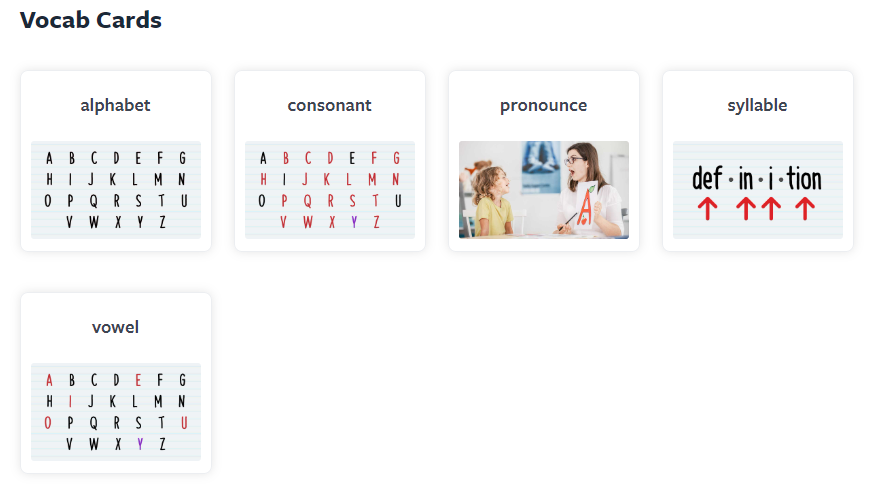
  • Vocab Cards: Interactive cards with clear images and definitions representing key vocabulary from the video. 
  • Vocab Game: Interactive maze activity reinforcing vocabulary through sentence completion. 
  • Read & Respond: Multiple-choice questions to build comprehension.
  • Quiz: Additional multiple-choice questions to assess comprehension.
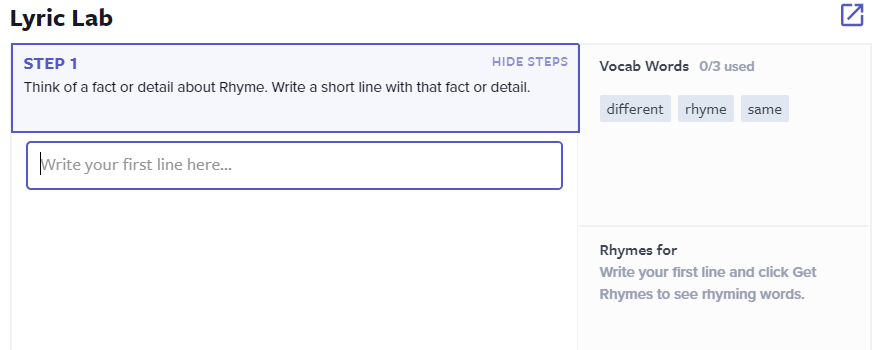
  • Lyric Lab: Creative activity where students write rap lyrics using learned vocabulary, supported by a rhyme generator and choice of beats.

Educators and students are not obligated to go through each section of the lesson. They can choose which parts of the lesson they engage with. Each part of the lesson is consistent, straightforward, and easy to understand. 

How Engaging is Flocabulary?

These features contribute to user engagement and student experience while using Flocabulary.

Videos

The videos offer a fun and creative approach to direct instruction that engages students of all ages (and adults too). The topics of the videos are interesting and contain practical and useful knowledge. The videos feature catchy beats and lyrics, accompanied by beautiful and powerful visuals created by a team of artists. 

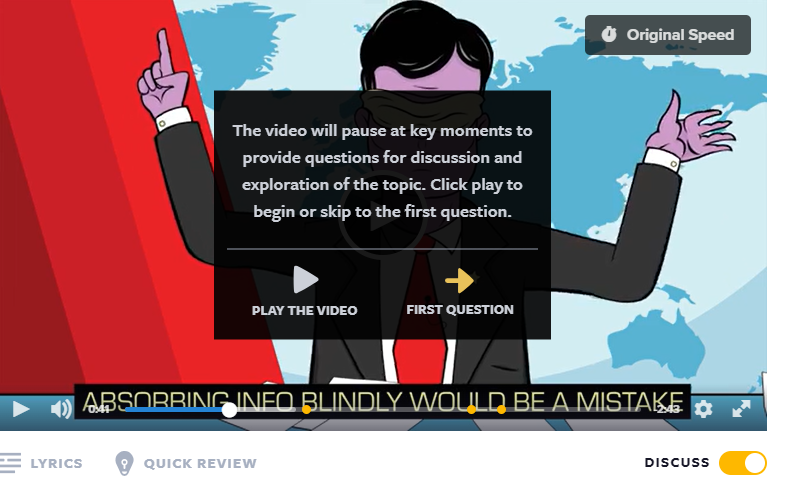
There is also an option for educators to switch on discussion questions. The videos will intermittently pause and ask a discussion question. This encourages oral communication, collaboration amongst peers, and deepens understanding of important concepts. All of these aspects contribute to an engaging approach to learning. 

A ‘Discuss’ option can be toggled on to encourage communication between peers on content area topics

Practice Methods

Flocabulary has multiple methods where students can practice their new learning and apply it actively and engagingly. For example, vocabulary games and writing lyrics allow students to actively participate in new learning in a creative way. A research study on Flocabulary states that “97% of educators are able to engage the ‘most challenging to engage students’ when using Flocabulary.”

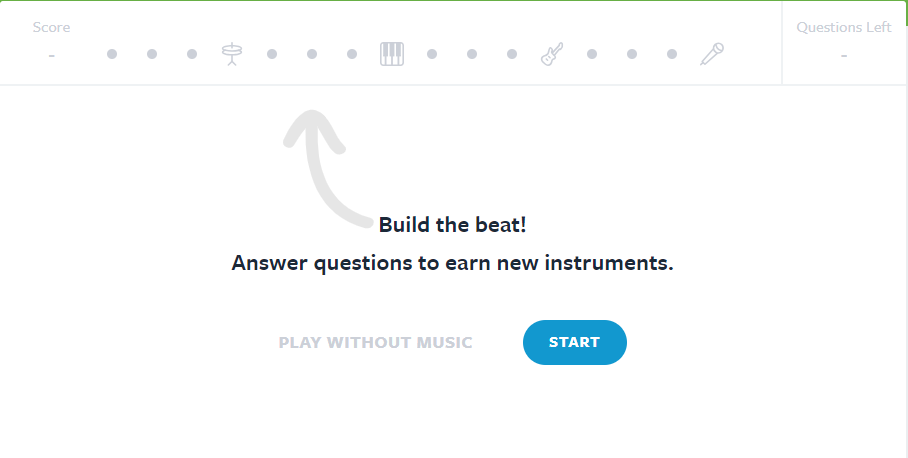
Games are enhanced with musical elements as students engage in answering questions

Accessibility

Flocabulary is not designed as a primary tool for teaching children to read. However, it includes accessibility features such as Immersive Reader, which can be switched on within the site. This technology supports students with varying reading abilities by providing speech-to-text and text-to-speech capabilities. It’s especially beneficial for students who are learning to read or have learning disabilities, enabling them to access content despite reading challenges.

The speed of the video can also be controlled by the student. This allows students who need a slower introduction to new concepts to adapt the presentation of learning material to suit their specific learning needs. 

Literacy Learning With Flocabulary

Does Flocabulary offer quality educational resources? Let’s discuss!

Direct Instruction

Direct instruction is recommended for effective literacy instruction, and Flocabulary incorporates this approach in a highly engaging manner through its videos. Much of the content in the videos effectively supports literacy outcomes, particularly in the area of comprehension.

Currently, the purpose of Flocabulary doesn’t include word reading or phonics instruction. This platform would be well- suited to this type of instruction and enhancing Flocabulary in this way could contribute to the world of early reading instruction. For example, a video on how to sound out a word or how to spell simple words would be helpful and likely effective in the learning format in Flocabulary. Currently, Flocabulary’s endorsement of balanced literacy—a method criticized for its ineffectiveness in teaching reading—may not fully optimize its potential for literacy instruction.

Vocabulary Development 

The Simple View of Reading contains two important aspects that contribute to reading comprehension: decoding (word-reading) and language comprehension. Knowing the meaning of words is an incredibly important aspect of language comprehension that closely connects to reading comprehension. The hip-hop genre can represent a large variety and creative usage of words. By combining hip-hop and vocabulary instruction, Flocabulary makes a clever, logical, and fun connection between music and learning. 

Vocab Cards reinforce the meanings of important vocabulary words in the videos and songs  

When describing this synthesis, Flocabulary states: “Since the beginning, rapping has been educational by nature. When an MC grabs the microphone, it’s their chance to share knowledge and analyze experiences, or simply get creative with words. This is why the genre is such a powerful tool in the classroom.” 

Through this, it’s easy to see how Flocabulary’s approach would support vocabulary building for students. 

Writing in the Lyric Lab

The Lyric Lab is the last step in every lesson on Flocabulary. The Lyric Lab provides an engaging and enjoyable way for students to apply new learning and develop their writing skills. The activity is designed with scaffolding that supports learners’ progression. The rhyme generator button assists in creating rhymes for the last word of each line and is a nice touch for this part of the website. Additionally, there’s a feature prompting students to incorporate specific vocabulary words into their lyrics, with the website tracking their usage. A wide selection of beats allows students to enhance their lyrics; which brings their writing to life. 

The Lyric Lab provides scaffolded support on an engaging platform for students to write about content area topics

Background and Content Area Knowledge

Flocabulary includes a current events category featuring “The Week in Rap” for grades 6-12 and “The Week in Rap Junior” for grades 3-5. These videos succinctly summarize American news and current events each week, which is an interesting addition to the platform. The weekly videos provide a quick and entertaining method for students to build background and general knowledge about the world, which enhances reading comprehension skills.

Is Flocabulary a Good Learning Tool for Students?

Flocabulary is a well-designed educational website that uses hip-hop music and engaging visuals to enhance vocabulary and content knowledge in various subjects. Its intuitive organization and lesson sequence make it easy for both educators and students to use. The platform’s videos, interactive vocabulary activities, and creative Lyric Lab contribute to an engaging and effective learning experience. 

While Flocabulary excels in vocabulary development and comprehension, it isn’t intended to teach basic reading skills. However, it would be interesting to see the site implement this area of learning! Despite its room for improvement, Flocabulary’s unique approach successfully supports student engagement and learning across multiple disciplines.

Discover more educational reviews on Phonics.org and explore more literacy learning apps!

Flocabulary App: Overall Ratings

Quality of Literacy Instruction: 4 / 5

Usability: 5 / 5

Engagement:  5 / 5

Poio App Review

Fun and Engaging App Doesn’t Deliver on Reading Instruction

Not sure which literacy apps to use with your children or students? Read the reviews at phonics.org to learn which ones to try—and which ones to avoid.

Read on for an in-depth look at the Poio app for literacy instruction.

What is the Poio App?

Poio is a literacy app that introduces young learners (ages 3-8) to the world of reading through adorable letter bug characters known as ‘Readlings’. The Readlings enter and exit short levels through straws, and complete levels by collecting letter sounds and words for their storybook. 

The goal of the game is to complete the entire Poio storybook by collecting and rebuilding each word in the fairytale. The CEO and founder of Poio, Daniel Senn, founded the Scandinavia-based company to help his own son learn to read. Poio claims that kids can teach themselves to read by playing with their literacy app. 

Is the Poio App Easy to Use?

Which factors contribute to the ease of use of the Poio app? There are a few things you might want to know.

User Controls

In Poio, navigating through levels is easy as you navigate the island maps on the home page. Playing through the Readling characters is similarly a breeze with simple and intuitive touch controls. Even for young children, the game’s mechanics are intuitive and easy to grasp. 

Parent Section

Signing up for the game and adding children to play is also a hassle-free process. Accessing the parent section is straightforward, requiring only the entry of the birth year. Notably, the parent section doesn’t include an option to share the skills of the new reader or choose a place to begin learning and playing. This would be a welcomed feature in future app updates.

User Engagement in Poio

These elements impact the overall engagement of the Poio app, for both parents and children.

Rewards

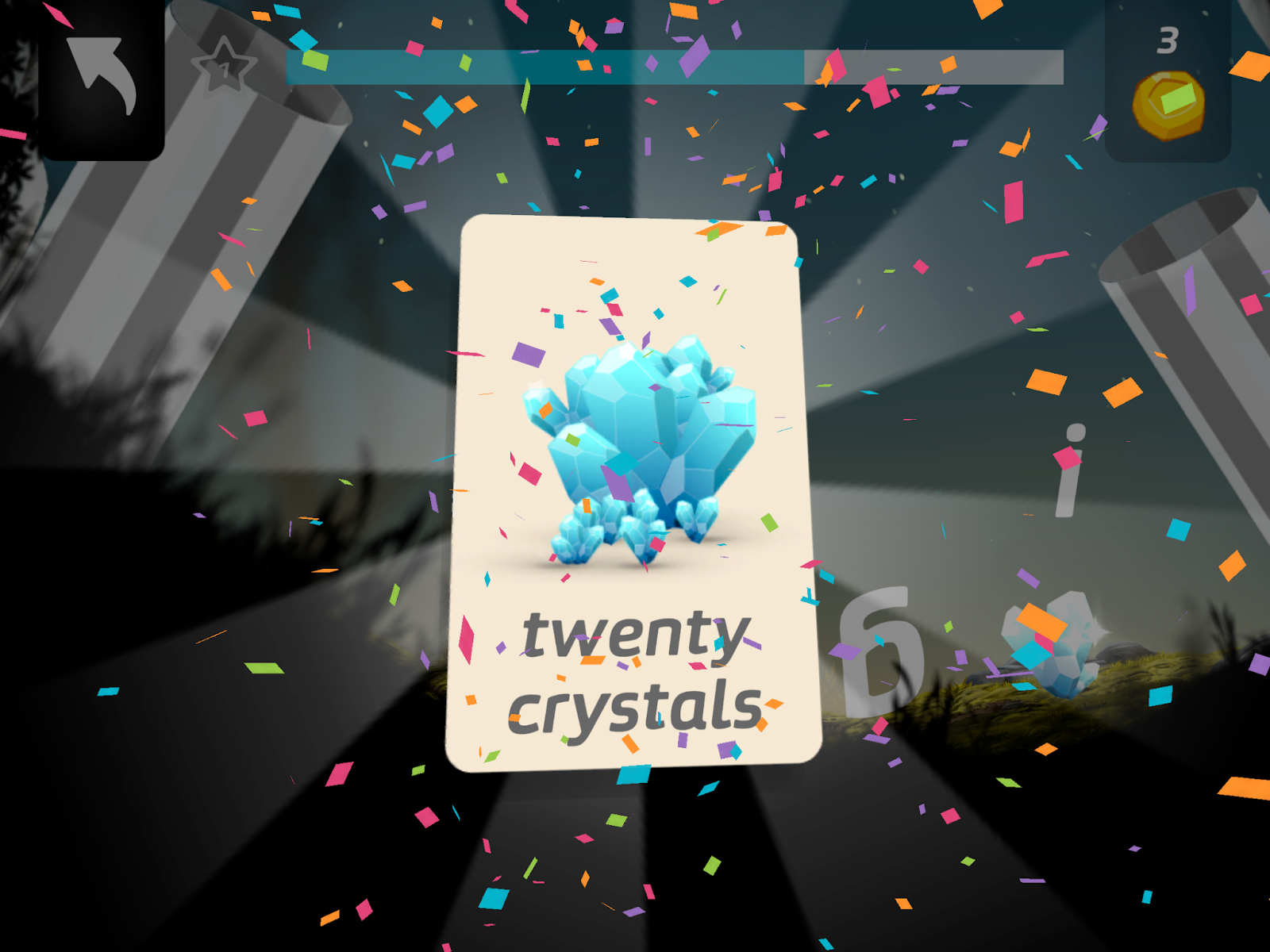
Poio inundates players with many options for external rewards, ranging from coins, crystals, trophies, and stars—as well as special letters, digital books, pages, presents, cages, confetti, and cheering. 

While some rewards like coins and crystals are provided as in-app currency to purchase items for the Readlings home, the sheer abundance of rewards in this app can be overwhelming and distracting. The excessive variety of rewards detracts from the app’s core learning focus and may disrupt the learning experience for young users.

Many external rewards are available in the Poio app

Gameplay

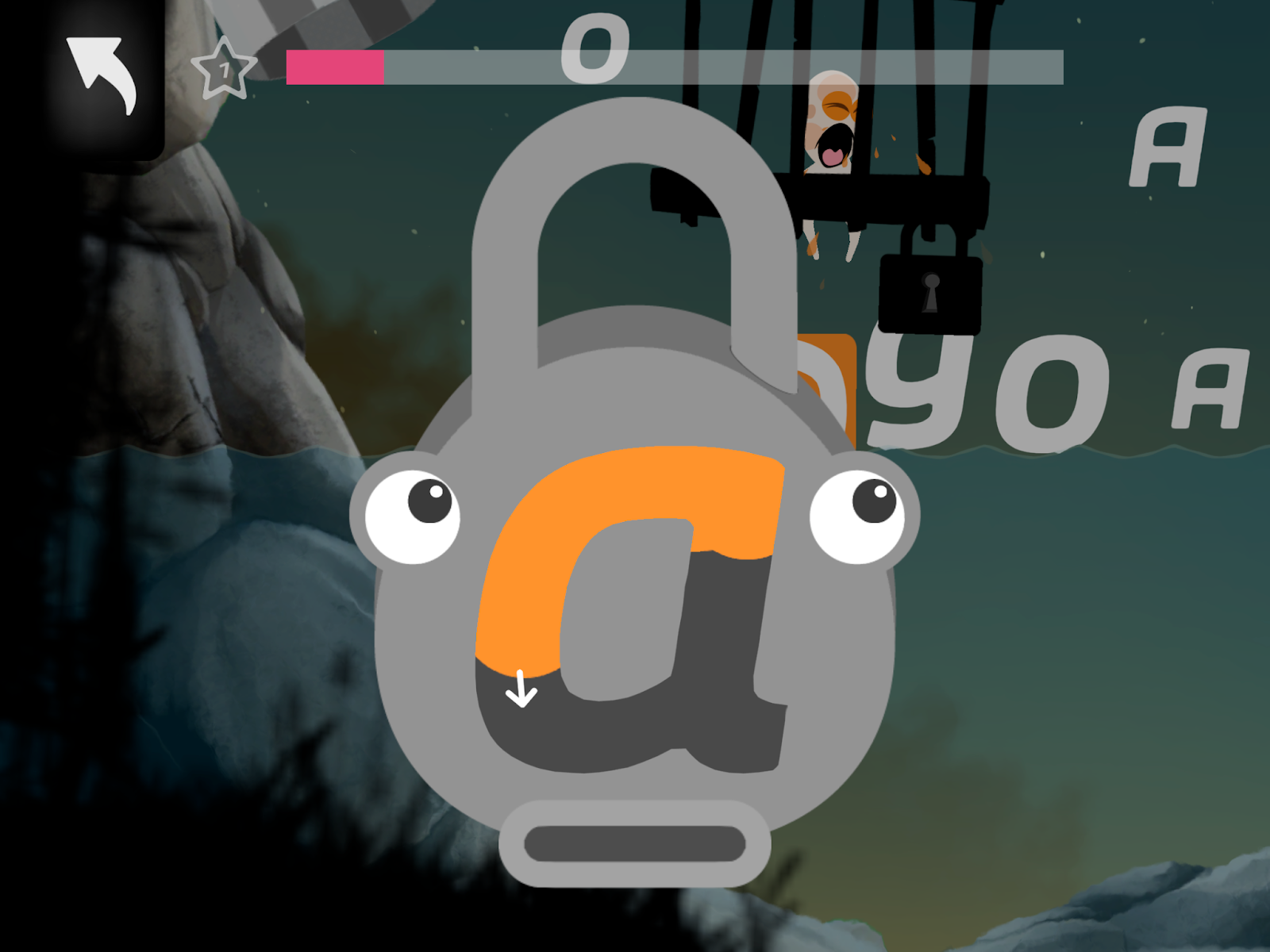
Poio’s gameplay is a delightful blend of fun and learning. As the adorable Readling characters traverse from one ‘straw’ to the next, players guide them to collect letters, words, and rewards strewn along the way. The game incorporates clever letter association games, such as unlocking locks to free trapped Readlings. 

Visually, the app is a treat! With beautiful aesthetics and clean animations that captivate and invite exploration, Poio offers an enchanting gameplay experience.

Users practice matching the sound (key) to the lock (letter) in a clever method of practicing letter sounds

Passive Participation

In Poio, active participation in literacy activities appears somewhat limited. While children are encouraged to guide the characters to collect letters and words, they aren’t prompted to actively engage in sound recall or phoneme blending—both of which are crucial aspects of literacy development. 

Instead, children observe the sounds produced for them in the app and observe sound blending without being directly involved in the process. The emphasis on dragging characters to collect items may overshadow opportunities for children to actively participate in literacy tasks, which are important for developing literacy skills. 

Literacy Learning With Poio

The following factors contribute to the quality of the ‘learning elements’ in the Poio app. 

Direct and Explicit Instruction

Unlike the direct and explicit instruction method advocated by reading organizations and research, Poio takes a different approach by employing experiential and immersive learning techniques. While this approach may suit some children, it will not be effective for everyone. 

Sequential Learning

Poio uses an immersive learning experience that may pose challenges for some children. The app introduces difficult words (including rarely-used phonics patterns and multisyllabic words) from the start. It presents these words without a gradual buildup of complexity. 

Instead of a step-by-step progression, all sounds are presented at all once: 

  • Short vowels
  • Long vowels
  • Diphthongs
  • Digraphs
  • Vowel teams

This overwhelming approach can strain kids’ working memory and may not suit new readers. Furthermore, the absence of a defined scope and sequence means that the app lacks a clear progression from simple to more complex words. The result is a phonetically random, confusing learning experience.

Letter Sounds

Poio’s approach to teaching letter sounds lacks clarity and consistency. While the app initially focuses on short vowel sounds, the associated practice words deviate from this pattern. For example, it introduces the word ‘troll’ after teaching the short ‘o’ sound.

The visual design of the letters in-app can also be confusing. When the characters touch letters, they can move and roll around. This, for example, can make it unclear if the letter is a /u/ or an /n/. Additionally, the font style has a lowercase <i> and uppercase <I> that look exactly the same, lacking a distinction between the two. These features can make learning some letter-sound correspondences more challenging for children. 

Letters aren’t always clearly represented in the Poio app – uppercase <E> has been pushed over and looks like an <m> 

Finally, letter sounds are sometimes unclear in the Poio app. The sounds for /l/ and /f/ are not entirely accurate. Plus, the ‘underwater’ letter sounds are even less clear. 

The Poio app also has many sounds happening at the same time. For example, background music, effect sounds, character noises, and ‘munching’ noises occur at the same time while a letter sound is stated. Differentiating between all of these sounds is distracting and not ideal for early readers. 

Phonemic Awareness

In Poio, phonemic awareness development seems to receive some attention through blending and segmenting practice during spelling sessions. Although children are not actively engaged in these tasks themselves, they have the opportunity to listen to the models provided, which can still contribute positively to their phonemic awareness skills. 

While this level of engagement may not be as robust as interactive exercises where children actively blend and segment sounds, it nonetheless provides a foundational exposure to these essential skills. It’s better than no exposure at all.

Word building in the Poio app supports phonemic awareness (blending and segmenting skills)

The Fairytale Book

In Poio, the approach to the fairy tale book may not align with best practices in literacy instruction. Ideally, the books provided to new readers would be decodable. A decodable book matches the pre-taught letter sounds and phonics patterns to the text so children can decode (sound out) words and practice reading. 

However, Poio uses a leveled text approach where the text features random phonics patterns. There is controversy and limited evidence for the effectiveness of leveled texts in early literacy development. Therefore, while the fairytale book in Poio may provide an enjoyable reading experience, it may not fully support the development of phonemic awareness and decoding skills that young readers need.

The word choice in Poio is based on a book, not the word-reading ability of the new reader

Letter Formation

Poio incorporates a charming approach to letter formation practice by unlocking locks with correct letter formations, which is a fun and interesting concept. This interactive activity provides an engaging way for children to practice forming letters correctly, adding an element of fun to the learning process. The mechanics of this feature are user-friendly, making it easy for children to participate and benefit from the practice. 

This part of the game ‘unlocks’ when players practice their letter formation

Can Kids Teach Themselves to Read With the Poio App?

It’s unlikely that all children will be able to teach themselves to read with the Poio App. 

The Poio app offers an engaging and visually appealing approach to literacy learning. Its user-friendly interface and charming characters make it accessible for young learners and their parents. 

However, despite the entertaining gameplay, Poio falls short of delivering effective literacy instruction. The app lacks clarity and consistency in teaching letter sounds and phonics patterns. 

Furthermore, the absence of a structured scope and sequence of skills and the use of a leveled text approach are not ideal for learning to read in English. Finally, while the app incorporates some phonemic awareness activities, its passive approach to teaching does not fully engage children in learning to spell and read words.

While the Poio app is easy to use and enjoyable to play, there’s room for improvement—especially regarding the overall quality of literacy instruction it provides. 

Poio is one of many reading apps available today. Read about more effective phonics instruction programs and fun literacy apps for kids on the Phonics.org reviews page!

Poio App: Overall Ratings

Quality of Literacy Instruction: 2 / 5

Usability:  4 / 5

Engagement:  3 / 5
Phonics Hero Review

Literacy experts at Phonics.org explore different phonics and reading programs for kids. By sharing honest reviews, we hope you can make more informed choices about the educational tools you use with your beginner readers!

In this article, we share our Phonics Hero review and discuss the pros and cons of its approach to literacy instruction. Let’s dive in!

About the Phonics Hero App

Phonics Hero is an engaging literacy program designed for children ages 4 to 7. It offers instructional exercises for:

  • Letter sounds
  • Word reading
  • Sentence reading
  • Spelling skills
  • Vocabulary

Phonics Hero also provides valuable resources for parents and teachers. Examples include printable worksheets and a classroom dashboard for educators to track students’ progress and assign specific activities. 

Read on to learn more about the quality of different components in the Phonics Hero program. 

Getting Started With Phonics Hero

How does it work? Is it effective for kids? Let’s look at the usability and user interface of the Phonics Hero program. 

Signing Up 

The sign-up process is straightforward and easy for parents and teachers. Teachers have the option to select the preferred accent used in the app: English, American, or Australian. As learning to read and spell is sound-based, it is important to have the option to train students in their home dialect. 

Logging In

The log-in process is also straightforward for a single child at home. However, the app presents log-in challenges in a classroom setting. Each child receives a unique username and password, unlike other apps that offer simpler methods like choosing a nickname or using picture passwords. This can be tricky for younger children in a classroom as they may require significant practice and support to log into the app independently. 

Using Placement Tests and Teacher Choices

Teachers can choose whether new students complete a placement test that assigns them to a place in the learning sequence. Alternatively, they can select where the student should start. This level of customization empowers educators to scaffold learning and see that each student is appropriately challenged in their learning journey.

The teacher dashboard is exceptionally user-friendly. Teachers can easily manage student learning goals and access comprehensive feedback on student performance. Additionally, printable materials that align with the lessons are accessible to add extra practice. 

Playing Phonics Hero Games

Gameplay determines engagement, which is important for learning. These factors contribute to the engagement aspect of the Phonics Hero platform. 

Games and Activities

Phonics Hero games are not only entertaining but also varied. The navigation features make it easy for young players to explore and interact with the app independently. 

Instructions for games are clear and can be repeated as many times as the player needs. This is a helpful feature for kids who may have difficulties with hearing, attention, or memory. 

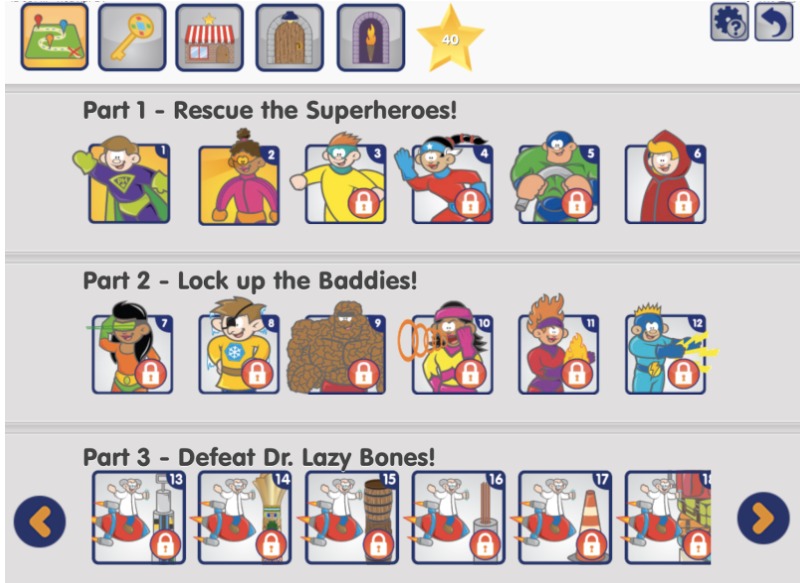
Phonics Hero also features an engaging, overarching story with interesting superhero characters and various missions for children to accomplish. This is a fun, interactive addition to the games. 

Fun characters and missions will likely catch the attention of young players

Rewards

Children earn stars by completing academic tasks, which can then be used to purchase items in a store within the app. These items—represented as digital stickers—can be placed in a secret hideout. The reward system adds an extra layer of engagement and is implemented in a way that’s unlikely to significantly detract too much from learning time.

A ‘Store’ for purchasing rewards in Phonics Hero

Loading Times

Each log-in, navigation, and transition to a new game creates additional loading times in the game where a child needs to wait. The wait times vary, but can disrupt the flow of learning and engagement. 

Learning with Phonics Hero

Here are the main factors that contribute to the overall quality of literacy instruction in Phonics Hero. 

Lesson Organization

The lesson organization in Phonics Hero follows a clear and logical scope and sequence that accommodates various accents and regions. This structure is well-communicated on the Phonics Hero website

Each level presents a sequence of lessons that systematically progress through key literacy skills:

  1. Know
  2. Read
  3. Spell
  4. Camera Read
  5. Camera Spell
  6. Sentence Reading

Camera reading and spelling refers to commonly used irregular words in the English language such as the word ‘of.’ Within each lesson, multiple opportunities and games are provided to practice and reinforce each step of the learning process. This systematic approach ensures kids are learning key literacy skills with a logical and clear step-by-step method. 

Letter Sounds

The Phonics Hero program teaches letter sounds clearly and accurately. Phonics Hero provides ample practice opportunities for mastering these sound-letter correspondences, contributing to effective skill reinforcement. Phonics Hero does not include letter formation (printing) as part of the lessons. 

There are many opportunities to practice letter sound correspondences in Phonics Hero

Letter Names

The app makes the interesting choice of excluding letter names in its instruction. As deliberately explained in this blog post, “Unfortunately, many children are introduced to letter identification by well-meaning parents and grandparents even before school entry. Teaching letter names before sounds is far from helpful.”

If you’re a parent or grandparent reading this, don’t worry. Experts have found that learning letter names before sounds is not detrimental for your children. In fact, knowing letter names is very helpful when learning to read and spell. Phonics Hero would be a stronger reading program if it included letter names as well as letter sounds in the early lessons. 

Type of Phonics

Phonics Hero employs a synthetic phonics approach, which is supported by research and considered the most logical method for teaching reading and spelling. This approach involves breaking down words into individual sounds or blending individual letter sounds to form words. Synthetic phonics is highly effective for developing word-reading skills.

Phonemic Awareness

Phonics Hero includes phonemic awareness practice in their program.  Blending and segmenting skills are prioritized in the game. These are important skills for new readers to practice and know.

However, 3 meta-analyses of studies on this topic have shown that practicing these skills with letters doubles the effectiveness of the activity. Unfortunately, Phonics Hero focuses on mostly using these skills without letters. The Phonics Hero website suggests waiting until a child consistently segments and blends orally before introducing letters or letter-sound correspondences. In reality, this skill can be introduced concurrently (with letters). 

Finally, Phonics Hero uses final blending as the only type of phoneme blending in the program. However, it’s typically easier for children to start blending with continuous blending. This strategy may need to be supplemented to get a student started before using the program. 

Type of Texts

Phonics Hero uses decodable texts. These are texts where the sounds and words being taught and practiced are integrated into the reading material. Decodable books discourage “guesswork” and encourage accurate decoding skills. These texts also include phrases and sentences, providing a supportive scaffold for transitioning from word-reading to sentence reading. 

Spelling

Phonics Hero implements effective spelling procedures, including some direct instruction on segmenting words into sounds with letters, which is beneficial. The use of chaining, where one letter is changed at a time to form a new word, is also an effective strategy for spelling instruction. 

Changing one letter at a time in spelling instruction is called ‘chaining’

Phonics Hero uses boxes in the general shape of the letter to reinforce spelling. This is not a useful method of spelling instruction. The focus in early spelling instruction should be on the sounds in the word. Identifying the outer shape of the word does not help with learning to spell.

Spell the word ‘hip’ – the books are meant to show the general outer shape of the correct letter

There are also small errors in the “camera spelling” section. This spelling practice is mostly for irregular words that don’t entirely match the regular phonics patterns in English. 

When a child makes an error in this spelling section the program provides the sounds for the word. Unfortunately, the sounds provided in the program don’t match the word. For example, the word ‘his’ has the sounds /h/, /i/ /s/; when the final sound in ‘his’ is a /z/ sound. Making these differences and exceptions clear to children helps them identify the irregular part of the word and they will be better able to read and spell the word accurately next time.

Quality of the Phonics Hero Platform

Phonics Hero has some useful and effective teaching methods that likely help children reinforce some foundational word-reading concepts. Synthetic phonics is used with a clear, systematic scope and sequence. Phonics Hero incorporates phonemic awareness practice in their program and uses decodable texts at the phrase and sentence level to support kids in building reading fluency. The characters are fun and engaging and the app is generally easy to use. 

If I were a teacher or parent using this app with my child, I’d want to know that there are some important aspects of literacy instruction that are missing from the program:

  • Phonics Hero does not incorporate letter formation (printing) or letter names. Make sure to include this instruction on your own, as it is important knowledge for children to have. 
  • The phonemic awareness practice in the app is rarely done with the letters (graphemes). Showing a child how to sound out a word from left to right with letters is going to be crucial practice in addition to the Phonics Hero program. 
  • The blending skills modeled in this game are limited, so teaching continuous blending before a child gets started would be very helpful. 

Overall, many features in the Phonics Hero serve as valuable resources for literacy instruction. The app can be effectively used with some key additions and guidance from a literate adult. 

To consider other phonics programs, read more on the Phonics.org reviews page!

Phonics Hero Rating

Quality of Literacy Instruction: 3.5 / 5
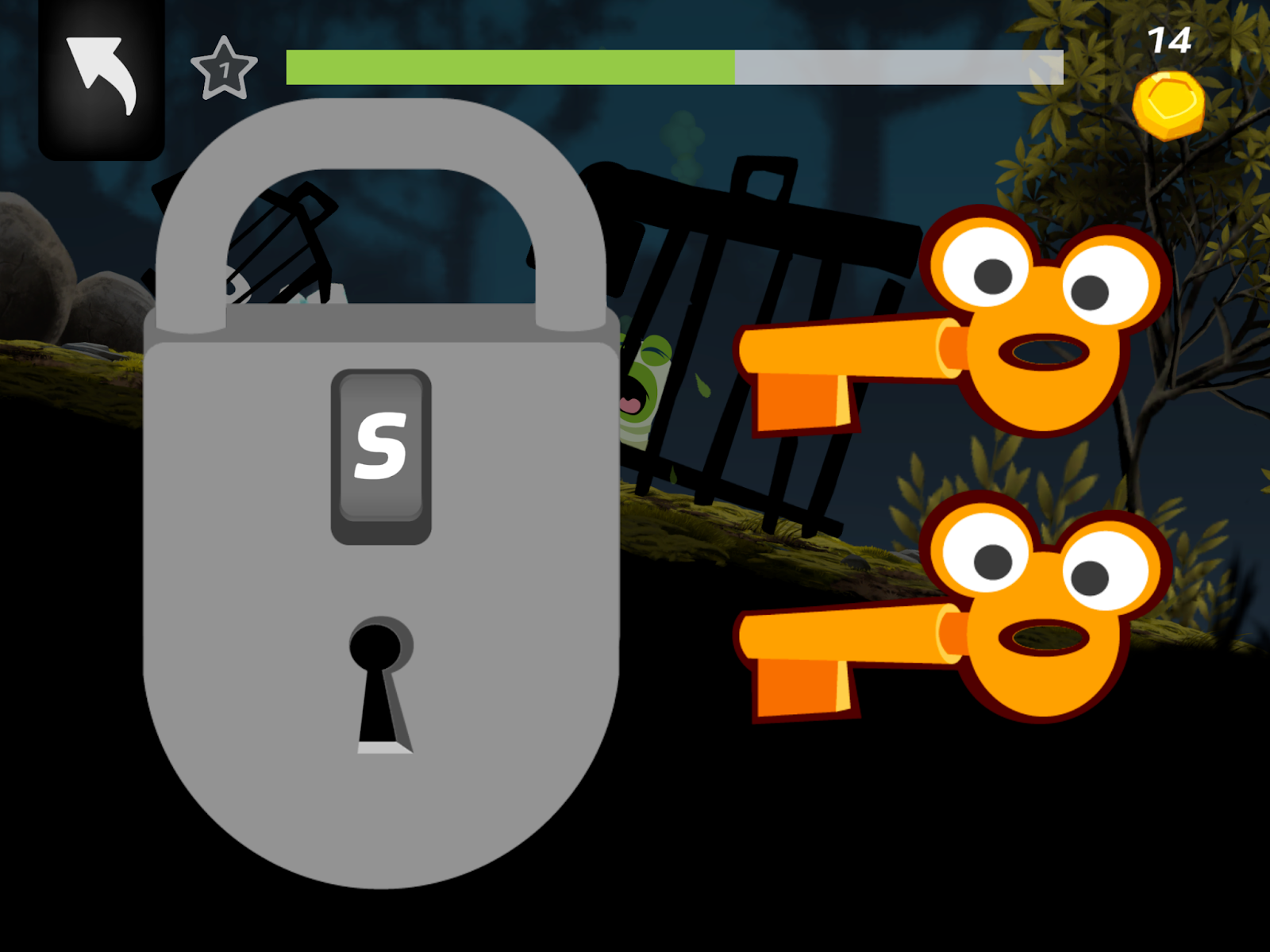
Usability: 3.5 / 5
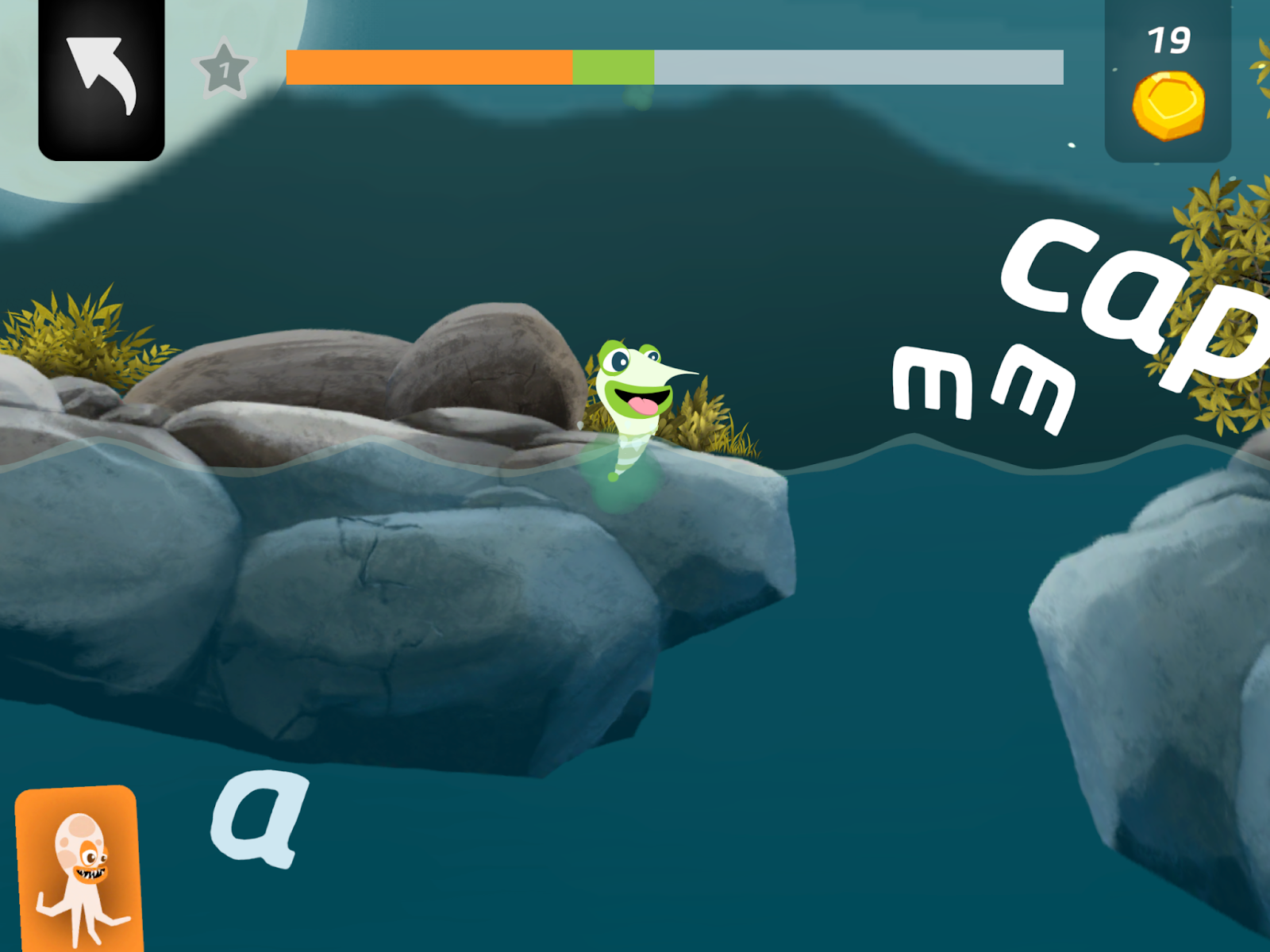
Engagement: 4 / 5
Super Simple Songs App Review

Building Literacy Foundations With Super Simple Songs Playlists

At phonics.org, we review the most widely-used literacy apps for kids so you can make informed decisions about what programs to consider. Continue reading to learn more about the Super Simple Songs app and website. 

What is the Super Simple Songs App?

Super Simple Songs provides an immersive literacy experience through its app and website. It offers a safe environment for young learners to explore independently. With a free trial and flexible subscription plans, the Super Simple Songs app is tailored toward families seeking quality educational content. 

This app is tailored for younger learners under the age of 8. It features an extensive collection of engaging songs, printable activities, and simple interactive games. The content and themes in the app vary widely in content and quality. 

This review will focus on the literacy-related themes within the app. 

How Easy is it to Use the Super Simple Songs App?

The following factors contribute to the ease of use of the Super Simple Songs app.  

Usability

Super Simple Songs excels in usability, even for young learners. The intro to the app is a rotating wheel that can be turned by a child to choose the content they’d like to engage with.  

Even for young children, the interface is intuitive and straightforward. 

Parental Controls

Super Simple Songs protects the grown-up area (parental control settings) by requiring the user to answer a simple math problem to change the controls. These controls allow the adult to tailor the app experience specifically for their child or students. Parents can also limit or lock access to the app ensuring their child doesn’t exit the app and explore other types of media on the device. 

The app also allows pages to be ‘frozen’ so kids can’t navigate without adult guidance. The ability to change the control and subtitle language is a thoughtful feature for families who don’t know English but would like their child to learn through the app. These comprehensive grown-up controls ensure a safe, customizable, and enjoyable learning environment for children and caregivers alike.

“Manage Playlists”

Super Simple Songs offers a comprehensive “Manage Playlists” feature, allowing caregivers to tailor the spinning content wheel to match their child’s specific interests and learning needs. 

With nearly 40 content options available, it’s easy to curate playlists that cater to individual preferences, ages, and the topics being taught. This customization process is highly recommended. It ensures a more engaging and higher quality learning experience. 

The ‘Home’ screen in Super Simple Songs is easy to use and customizable

User Engagement in Super Simple Songs

These elements enhance the overall engagement of children interacting with Super Simple Songs.

Catchy and Fun

Super Simple Songs holds young learners’ attention with its catchy and fun content. The songs and activities are carefully designed to keep children entertained and eager to learn. 

The videos strike the perfect balance in length, holding the attention of even the youngest viewers without becoming overwhelming. With vibrant colors, playful animations, and adorable characters, each video creates a lively and inviting activity that sparks joy and curiosity. 

The app’s content is specifically designed for younger children. Therefore, it might not resonate with older audiences. Nevertheless, the colorful, playful, and cute presentation ensures an enjoyable and memorable learning experience for the target age group.

Encourages Physical Movement

“Super Simple Songs” cleverly incorporates physical movement into some of its videos. This enhances engagement and promotes active learning. 

One notable example is the “Bunny Hop ABCs” where certain letters in the alphabet song are replaced by a bunny. This bunny cues children to join in and start hopping along. Such creative ideas effectively capture children’s attention and energize their learning experience.

Super Simple Songs That Support Literacy Education 

Some of the playlists in Super Simple Songs are better than others. The following songs are helpful for children learning literacy skills, so make sure to include these in your playlist! 

The Super Simple Songs

Super Simple Songs are short, engaging, and playful songs that usually repeat a few keywords or concepts throughout. Don’t let the simplicity of the songs in Super Simple Songs fool you, though! These songs teach valuable skills. 

Many of the vocabulary words in these songs are called “basic concepts” which are essential words to understand to comprehend language. This supports overall oral language ability as well as reading comprehension. 

Repetition and clear, fun animations help children remember the information presented in the songs. Whether it’s letters, numbers, colors, or other basic concepts, the songs serve as powerful tools for vocabulary development, laying a solid foundation for language acquisition and literacy. Make sure to include the “Super Simple Songs” category in your playlist!

Super Simple Songs support children’s language development

Storybooks

Super Simple Songs provides a valuable resource in its digital library of books. These books appear as classic stories that are read out loud to children or interactive storybooks with a look-and-find feature. While not intended to replace an adult directly reading with their child, the app provides a nice supplement for children to hear stories independently. This is another great option to include in a learning playlist on the app. 

Phonics Fun

Phonics Fun stands out for its catchy and engaging approach to letter-sound instruction. Through repetitive exposure, the Phonics Fun section of the app reinforces accurate letter-sound associations, letter names, and keywords associated with the letter sound.

The frequent repetition of letter sounds ensures that these associations are firmly established in children’s minds. This is a great resource for parents and teachers alike and should be included in customized playlists. 

Caitie’s Classroom

Caitie’s Classroom is an educational resource featuring Caitie, an engaging teacher who brings real-life experiences to life to explain various concepts to children. With her clear and direct communication style, Caitie holds children’s interest, making learning both enjoyable and accessible. Through her lessons, she skillfully builds background knowledge on interesting and important topics, laying a strong foundation for reading comprehension skills

The inclusion of “Imagination Time,” an audio-only segment, adds another dimension to the learning experience. Imagination time builds kids’ listening comprehension skills. Caitie’s Classroom is an excellent addition to the in-app playlist option if your goal is literacy education.

Caitie is an engaging teacher who helps kids understand the world

Not Great: The Super Simple Songs to You Should Skip

As mentioned, not all of the songs in this app are effective for literacy education. Here’s our list of songs that were not fully approved by reading experts. We recommend you leave them out of your child’s playlist. Instead, focus on the more effective songs mentioned above.

Pratfall ABCs

Pratfall ABCs presents adorable bug characters that engage with letters and associated images. However, it lacks effective integration of literacy fundamentals. While the animated bugs interact with letters and corresponding keywords, the absence of letter names and letter sounds diminishes its educational value. 

Additionally, some keywords may not accurately represent the letter’s sound, such as the use of “onion” for the letter ‘o’ (onion starts with an /u/ sound). While the videos here are harmless entertainment, they are unlikely to contribute significantly to literacy learning. This part of the app may be better skipped in favor of more educational content.

Pratfall ABCs could improve by including letter names and sounds

Turn and Learn ABCs

Turn and Learn ABCs adopts a turning puzzle format, gradually unveiling pictures of keywords associated with each letter. However, the app falls short in directly addressing letter sounds, prioritizing the visual reveal of pictures over phonics instruction. 

Despite mentioning words beginning with a specific letter—such as “bee starts with the letter b”—it neglects to emphasize letter-sound associations, which are essential for literacy development. Consequently, while the app’s interactive puzzle may capture children’s attention, neglecting letter-sound relationships diminishes its effectiveness as a literacy tool.

The squares in Turn & Learn ABCs turn over to gradually reveal a keyword associated with the letter

Captain Seasalt & The ABC Pirates

Captain Seasalt & The ABC Pirate presents a lively approach to early literacy instruction with its charming pirate theme. Each video features friendly pirates that visit a letter island and tell a short story using many of the letter sounds of the island they visit. While the videos explore words beginning with a particular letter, they lack explicit phonics explanations of how each letter represents its corresponding sound. 

Additionally, the depiction of letter formation—often starting at the bottom—is inaccurate. It could potentially confuse young learners. Despite the creative use of a pirate map to illustrate letter formation, the incorrect portrayal detracts from the instructional value of the content. 

Overall, while the app’s theme and characters may capture children’s interest, it falls short in delivering effective phonics instruction and accurate letter formation techniques.

The ABC Pirates could improve on modeling correct letter formation

Is the Super Simple Songs App Good for Phonics Instruction?

The Super Simple Songs app offers an engaging platform for building language and literacy skills in young learners. The app’s user-friendly interface, coupled with grown-up controls and playlist management features, ensures a safe and customizable learning experience that children can enjoy with their caregivers.

The short video options available in the app are highly engaging for young children. The songs are catchy, the animations are well-done and visually appealing, and the content is interesting. 

Some of the thematic content available in Super Simple Songs has higher educational quality than others. 

  • Super Simple Songs, Storybooks, Phonics Fun, and Caitie’s Classroom are excellent additions to classroom instruction. Additionally, these are ideal for parents and teachers interested in fostering foundational literacy learning for their children through custom playlists in the app.
  • Pratfall ABCs, Turn and Learn ABC, and Captain Seasalt & the ABC Pirates have less educational value than the above content areas.

The Super Simple Songs app alone will not teach a child to read. However, the app offers a playful and enjoyable learning experience. Its effectiveness in promoting literacy skills depends on the selection and integration of appropriate content.

Learn more about effective phonics instruction programs for kids by reading more Phonics.org reviews today!

Super Simple Songs App: Overall Ratings

Quality of Literacy Instruction: 3.5 / 5
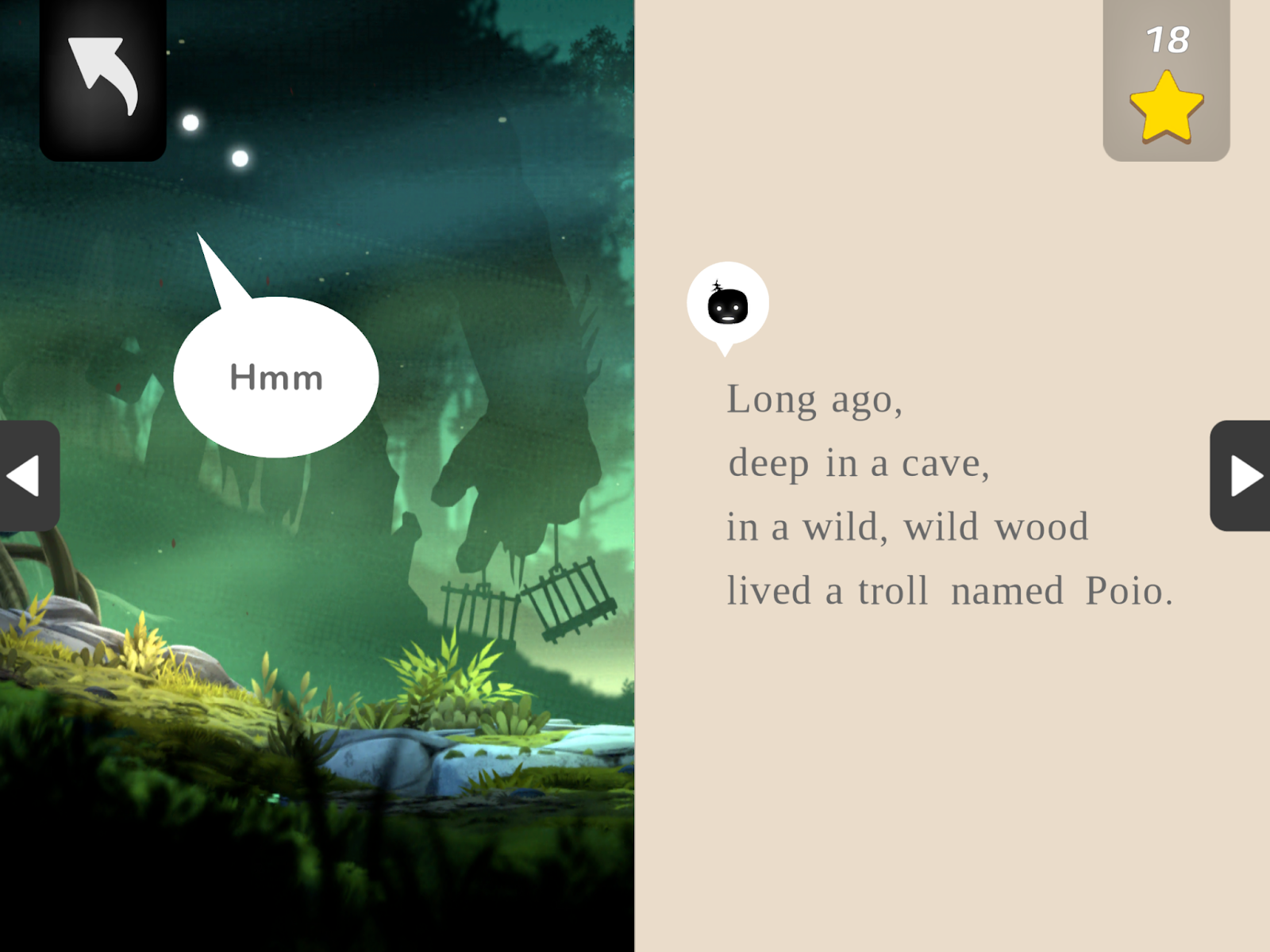
Usability:  4 / 5

Engagement:   4 / 5